

Are you spending more hours chasing late tuition payments and fixing paper sign-in sheets than actually mentoring your teachers?
Childcare directors across the country face endless administrative hurdles every single day. Between tracking classroom ratios, logging daily meals, and answering constant parent messages, administrative tasks easily consume entire workdays. You want to grow your center, but outdated manual workflows hold your team back.
If you are someone looking for the best childcare management software to take control of your daily operations, this guide is for you. In this guide, we will explore the top twenty digital tools on the market, evaluating them strictly on real classroom utility, feature breadth, and segment flexibility. Keep reading to discover which solution fits your center’s exact operational needs.
Key Takeaways
- iCare Software leads the market for multi-segment operations and complex facility management.
- Specialized platforms fit distinct niches like food program tracking, K-12 transport, or early learning documentation.
- Market growth dictates a massive shift toward cloud-based enterprise solutions for large networks.
- Facility directors must prioritize compliance depth and transparent pricing when selecting a new digital tool.
Our Methodology and Evaluation Criteria
Our evaluation model ranks childcare software platforms across six foundational criteria:
- Core attendance automation and contactless check-in kiosks
- Automated recurring tuition billing and split-party subsidy management
- Regulatory compliance, incident reporting, and health and immunization tracking
- Parent engagement, real-time messaging, and daily milestone feeds
- Staff management, dynamic ratio alerts, and timecard payroll exports
- Native multi-segment adaptability (Montessori, ABA clinics, drop-in, before/after care, nanny agencies, and K-12 transit).
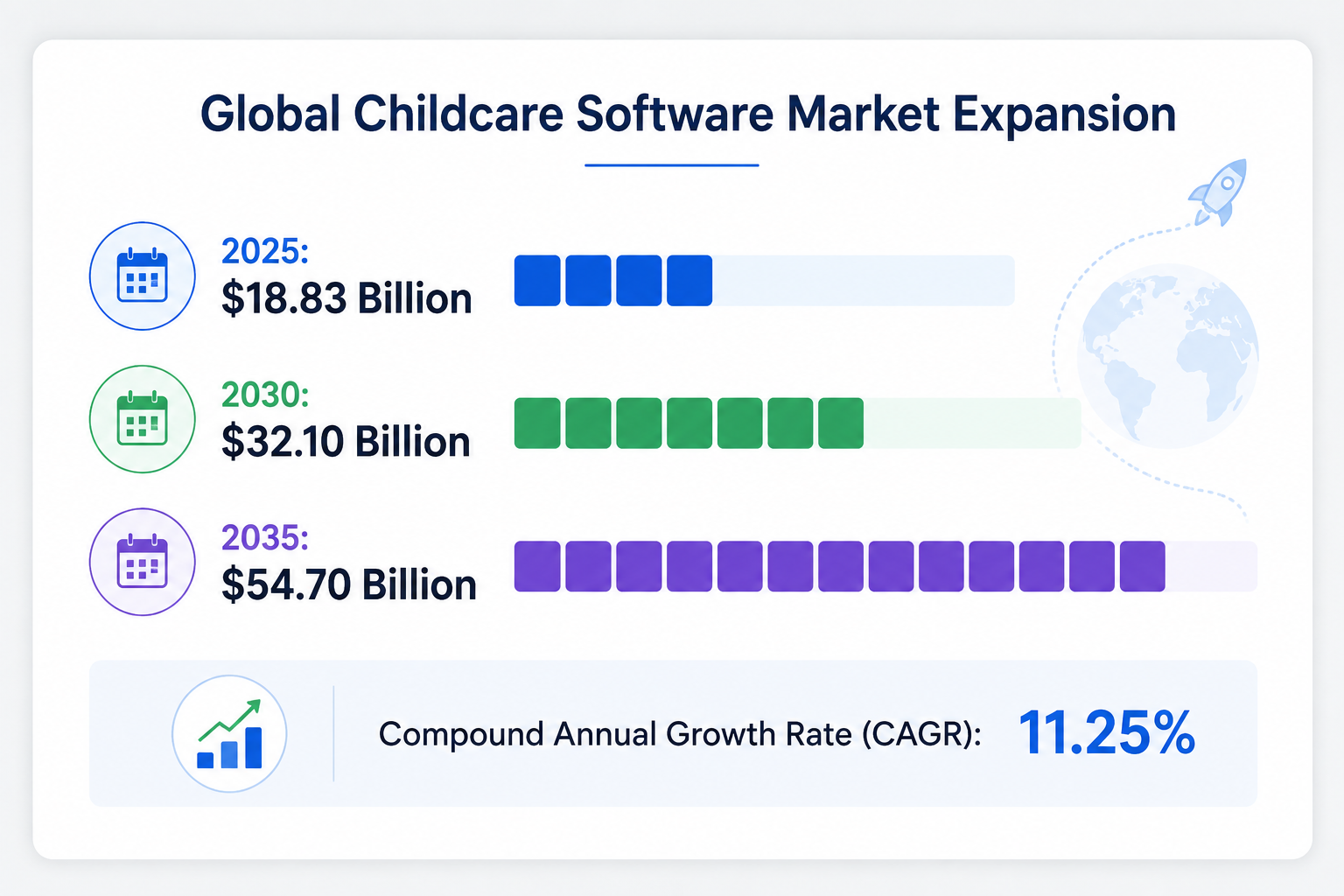
According to market research published by Spherical Insights, the global childcare software sector continues to expand rapidly. Analysts project the overall market value to surge from $18.83 billion in 2025 to $54.70 billion by 2035, maintaining a steady compound annual growth rate of 11.25%. Early childhood organizations are replacing disparate spreadsheets with unified cloud platforms.
Let’s get started.
#1
iCare Software: Best Childcare Management Software for Multi-Segment Operations
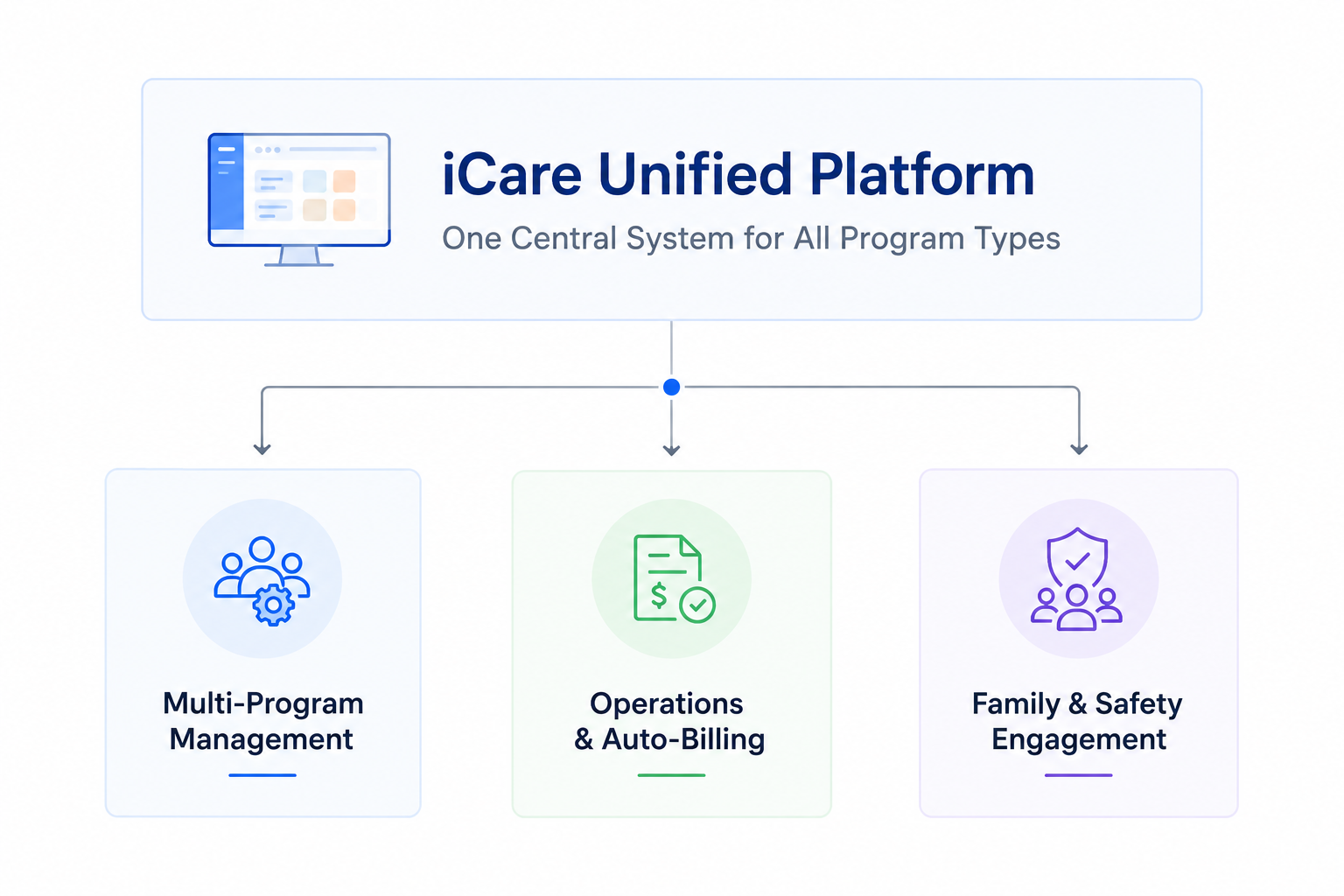
iCare Software secures the top spot because it natively supports 9 to 10 distinct childcare segments instead of forcing non-traditional programs into a rigid daycare mold. Most commercial tools are limited to basic infant and preschool classrooms.
In contrast, iCare provides native operational engines for standard preschools, before-and-after school enrichment, Applied Behavior Analysis (ABA) clinics, authentic Montessori environments, drop-in centers, nanny agencies, and private K-12 schools managing daily bus transit.
Founded in 1997, iCare Software brings almost three decades of ongoing software development and domain expertise to the early education sector. Its cloud architecture gives directors total administrative control over complex multi-classroom and multi-location setups.
The platform streamlines child enrollment with custom digital intake forms, automated waitlist prioritization, electronic signatures, and integrated registration fees. Its digital check-in module enables rapid parent drop-offs via secure PIN kiosks, QR codes, and mobile geolocation tags.
The system immediately checks live classroom numbers against state-mandated child-to-staff ratios, notifying administrators when a room requires extra staffing.
Financially, iCare removes student payment collection hassles. The billing engine generates automated recurring invoices, applies custom discounts, and supports multi-payer billing splits. This split-billing feature proves essential for separated families sharing tuition costs or centers receiving co-payments from state child care subsidy programs.
Risk management and state regulatory compliance remain the core strengths of the platform. For example, staff members can document child injuries on classroom tablets, mark injury locations on visual anatomical charts, log teacher actions, and instantly route reports to parents and licensed caseworkers.
Pro Tip: Examine this operational protocol in our comprehensive whitepaper on injury and incident documentation.
Furthermore, iCare delivers specialized clinical and developmental tracking tools that connect center activities with home reinforcement.
Learn how structured parent collaboration enhances clinical progress in our guide to why family guidance holds significant weight in autism support.
The platform provides an all-in-one system for organizations that find generic software too restrictive.
iCare Software Operational Breakdown
- Primary Use Case: Multi-site networks, specialized developmental clinics, Montessori schools, before/after school programs, and hybrid early learning centers.
- Standout Feature: True multi-segment architecture that natively adapts to clinical data collection, transit manifests, dynamic hourly billing, and split subsidies.
- Operational Limitation: The extensive feature set requires structured staff onboarding to configure all administrative settings effectively.
#2
HiMama: Best for Early Learning Documentation
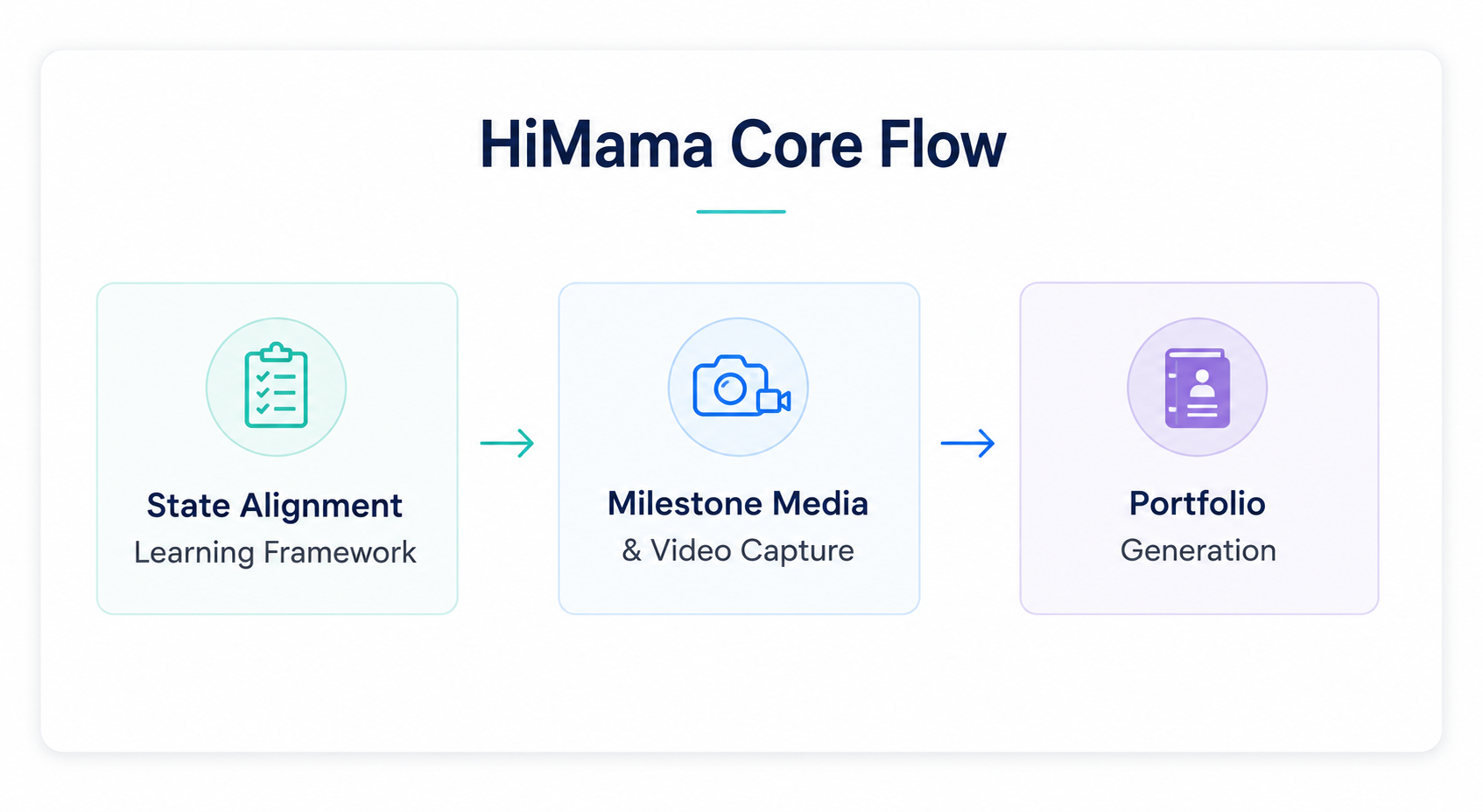
HiMama focuses heavily on early learning documentation and developmental milestone tracking. Educators use the system to log meals, nap schedules, and bathroom visits while aligning daily classroom activities with provincial, state, and national early childhood education frameworks.
Teachers snap classroom photos, record short video clips, tag developmental indicators, and compile digital learning portfolios for parent-teacher conferences.
The platform includes contact-free check-ins, automated billing, and direct family messaging to support everyday operations. HiMama offers an intuitive experience for traditional preschool educators. However, centers that offer specialized clinical therapy, flexible drop-in schedules, or student transit routes will find their standardized curriculum framework somewhat rigid.
HiMama Operational Breakdown
- Primary Use Case: Standard preschools and daycare centers prioritize early childhood curriculum standards and digital portfolios.
- Standout Feature: Built-in early childhood development frameworks that simplify state standard milestone logging for classroom teachers.
- Operational Limitation: Lacks back-end flexibility for non-traditional operations like hourly drop-in programs or therapeutic clinics.
#3
Kangarootime: Best for Classroom Operations Automation
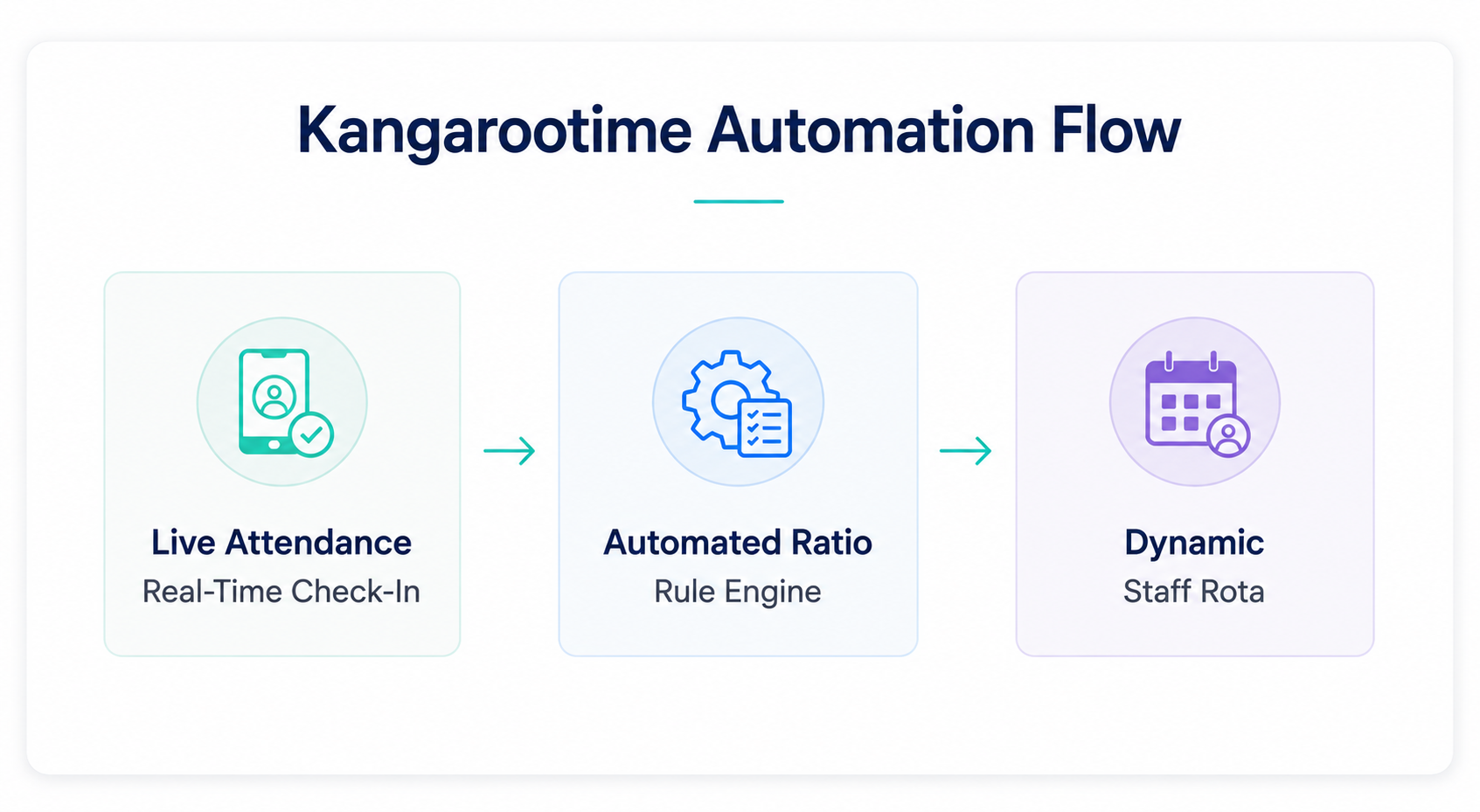
Kangarootime automates daily center tasks through smart classroom management software. The software constantly monitors real-time student and staff check-ins, dynamically tracking child-to-staff ratios across every classroom.
If a room nears licensing capacity or falls out of compliance, the system alerts directors immediately, helping them balance labor costs and safety.
Its automated financial workflows create recurring invoices, process digital payments via direct debit or card, and handle overdue fees assessments automatically.
The parent app delivers daily activity photos, digital check-in capabilities, and real-time direct messaging. Kangarootime provides powerful tools for expanding multi-room centers, though smaller centers often face a steep learning curve during the initial onboarding period.
Kangarootime Operational Breakdown
- Primary Use Case: Mid-size to large early learning centers looking to automate staff scheduling and licensing compliance.
- Standout Feature: Predictive staff-to-child ratio tracking that guides classroom staffing decisions throughout the operational day.
- Operational Limitation: System setup and workflow rules require substantial time and technical configuration during rollout.
#4
Kinderlime: Best for Simple Enrollment-to-Billing Flow
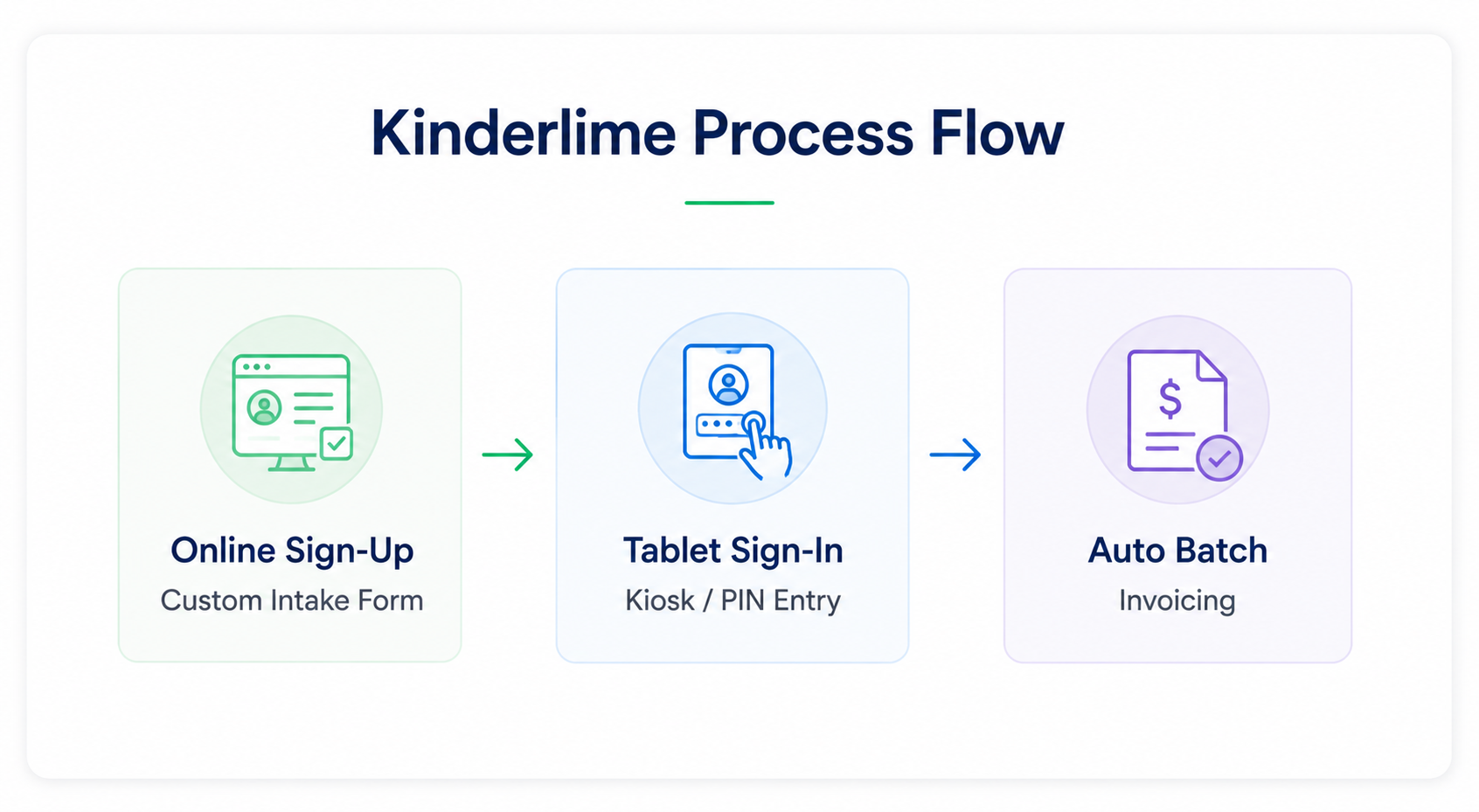
This childcare billing software delivers a streamlined administrative pipeline that connects child enrollment directly with daily attendance and recurring tuition billing. Parents fill out digital registration packets online, upload emergency contact details, and sign liability waivers electronically.
Once children enter the program, front-desk staff or parents record arrivals using tablet PIN kiosks or contactless mobile signatures.
The software links these digital attendance records directly to its billing engine, automatically generating accurate invoices for hourly care or fixed monthly tuition. Kinderlime keeps day-to-day administration clear and accessible, but it lacks advanced features for developmental portfolios and specialized clinical data collection.
Kinderlime Operational Breakdown
- Primary Use Case: Community preschools and after-school enrichment programs seeking straightforward attendance logging and billing.
- Standout Feature: Fast tablet check-in system that connects attendance timestamps to monthly or hourly billing cycles.
- Operational Limitation: Offers limited customization for advanced developmental portfolios or specialized therapeutic tracking.
#5
Famly: A Family Childcare Software Known for Engagement and Translation
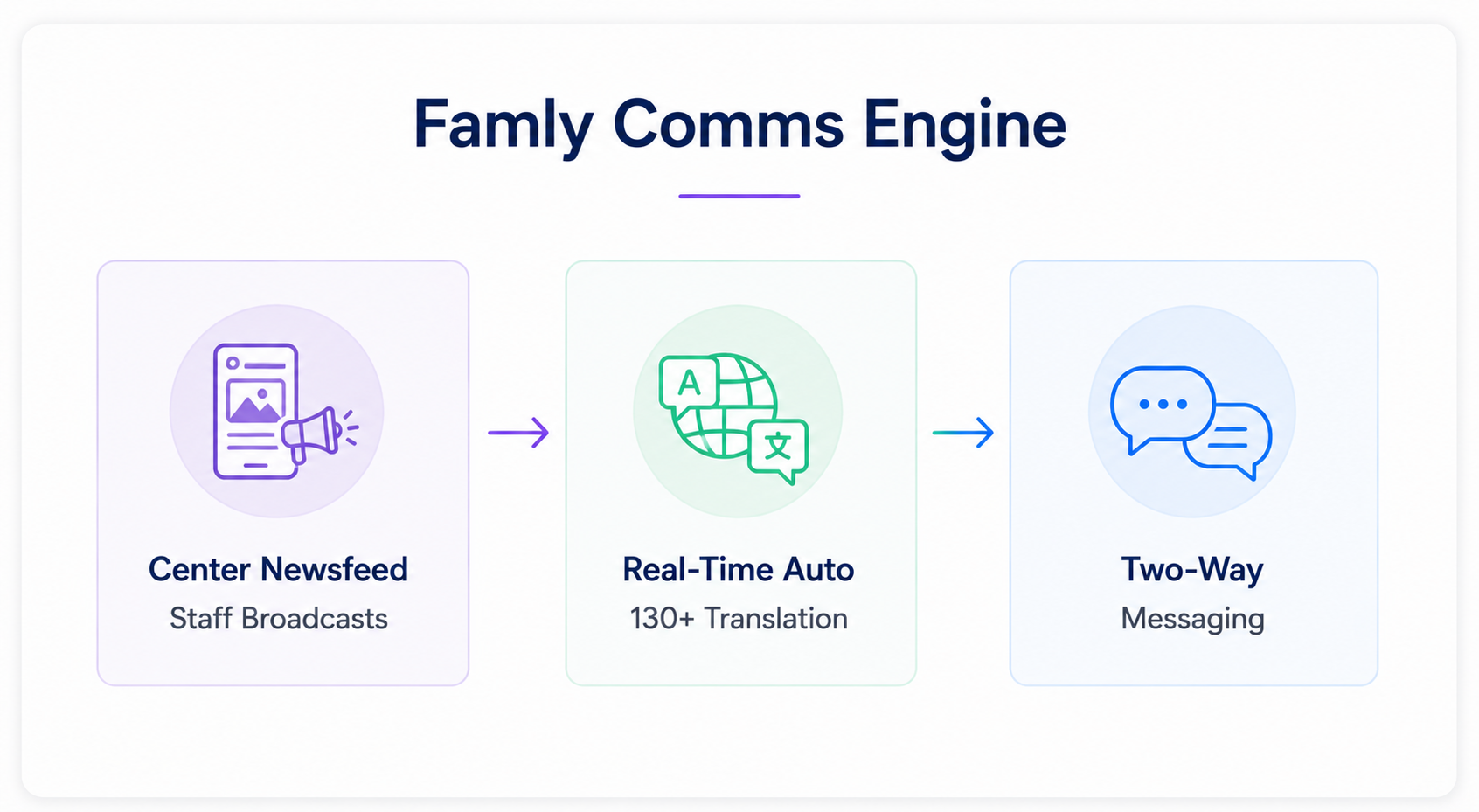
Famly functions as an intuitive communication hub that builds strong relationships between childcare staff and families. Its real-time activity feed shares classroom observations, photos, learning milestones, and administrative notices in real time.
A standout capability is its built-in two-way translation engine, which translates messages and daily updates into more than 130 languages. This feature helps educators connect easily with non-native speaking families.
Famly also provides staff shift planning, occupancy forecasting, and online tuition collection. While the platform excels at family engagement, its accounting module offers fewer custom settings for complex government subsidy tracking than dedicated enterprise software.
Famly Operational Breakdown
- Primary Use Case: Culturally diverse early learning centers prioritizing inclusive, multilingual parent communication.
- Standout Feature: Automated two-way language translation that removes communication barriers between educators and families.
- Operational Limitation: Financial reporting offers fewer customization options for complex government subsidy accounting.
#6
Jackrabbit Care: Best for Daycare Centers with Class-Management Ecosystems
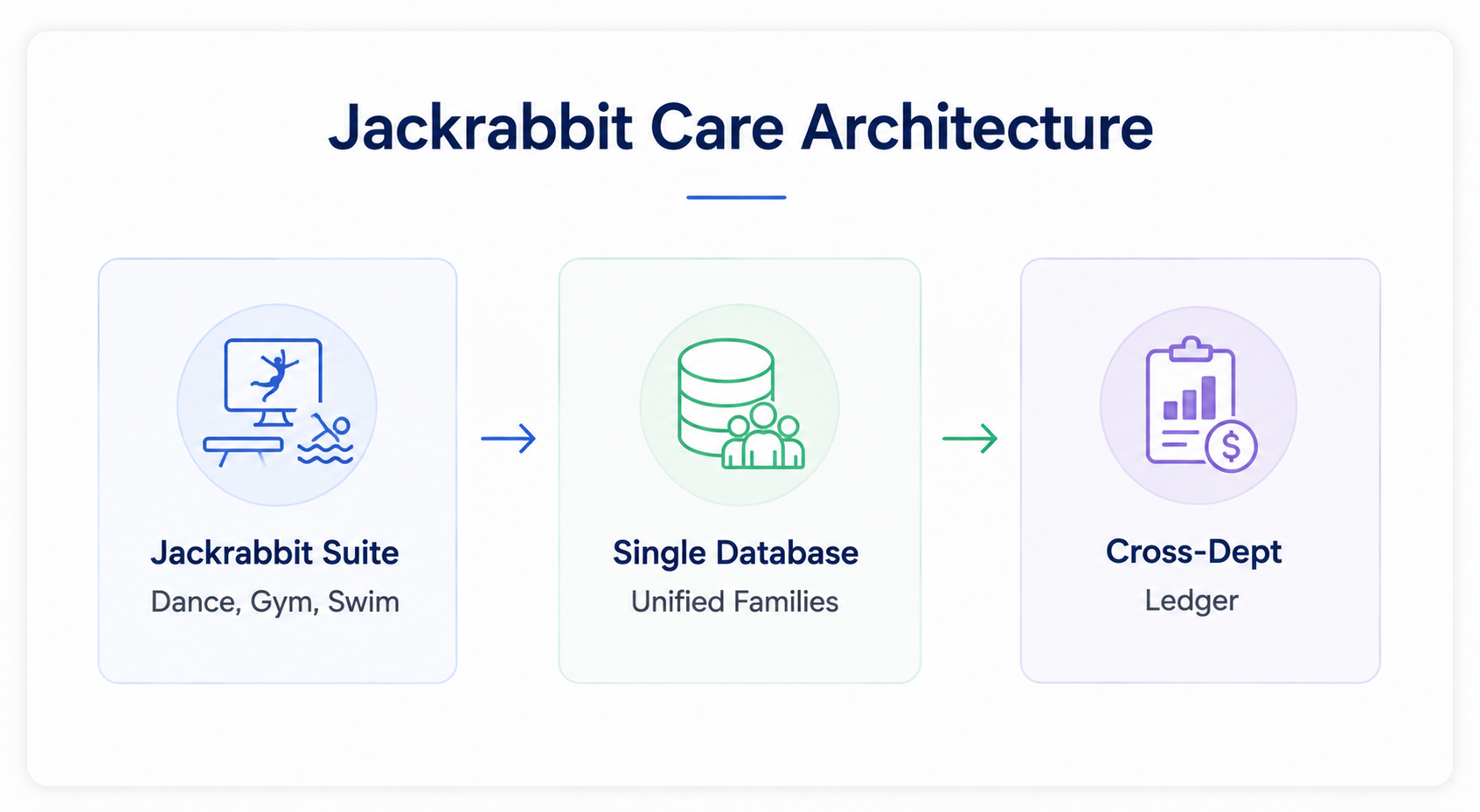
Jackrabbit Care serves organizations that run traditional childcare classrooms alongside extracurricular youth programs like dance studios, gymnastics centers, or swim academies.
Built upon Jackrabbit’s established class-management database, the platform unifies student registration, scheduling, and billing across all departments under a single family account.
Some of the key features of this childcare management software include digital health check-ins, attendance tracking, skill development records, and automated online payment processing.
For businesses running varied youth programs, Jackrabbit eliminates duplicate data entry across different departments. However, standalone childcare facilities that do not offer extracurricular classes may find its class-based architecture unnecessarily complex.
Jackrabbit Care Operational Breakdown
- Primary Use Case: Multi-disciplinary facilities combining early childcare with extracurricular activities like gymnastics, dance, or swim.
- Standout Feature: Unified account management that bills childcare tuition and extracurricular activity fees on one combined statement.
- Operational Limitation: Configuration feels heavy and overly complicated for standalone childcare operators without extracurricular classes.
#7
LineLeader: Best for Enrollment-Focused CRM Workflows
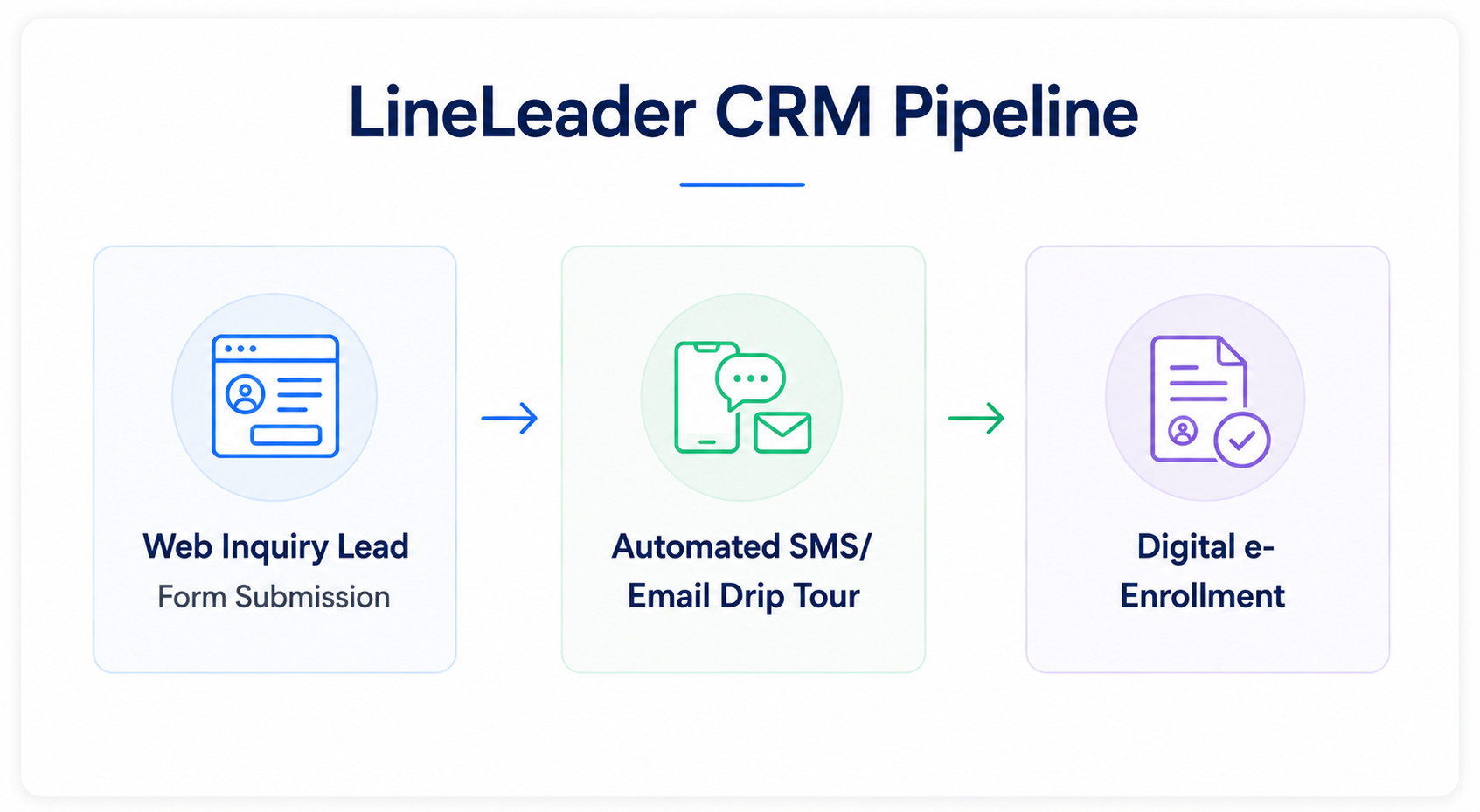
LineLeader optimizes the family enrollment journey through specialized marketing automation and customer relationship management (CRM) tools. The platform captures web inquiries, runs automated text and email drip campaigns, arranges facility tours, and guides prospective families through digital registration forms.
Administrators can monitor enrollment pipelines and conversion rates across different marketing channels to see where leads originate.
Once children enroll, LineLeader supports daily classroom notes, family messaging, and tuition billing. While this childcare software excels at enrollment growth, its classroom management and curriculum planning tools are less comprehensive than those on dedicated early education platforms.
LineLeader Operational Breakdown
- Primary Use Case: Growing childcare franchises and multi-center operators looking to optimize inquiry-to-enrollment pipelines.
- Standout Feature: Dedicated CRM pipeline that automates prospective parent follow-up from initial inquiry to final registration.
- Operational Limitation: In-classroom documentation tools offer fewer features than curriculum-specific platforms.
#8
Smartcare: Best for All-in-One Cloud Deployment
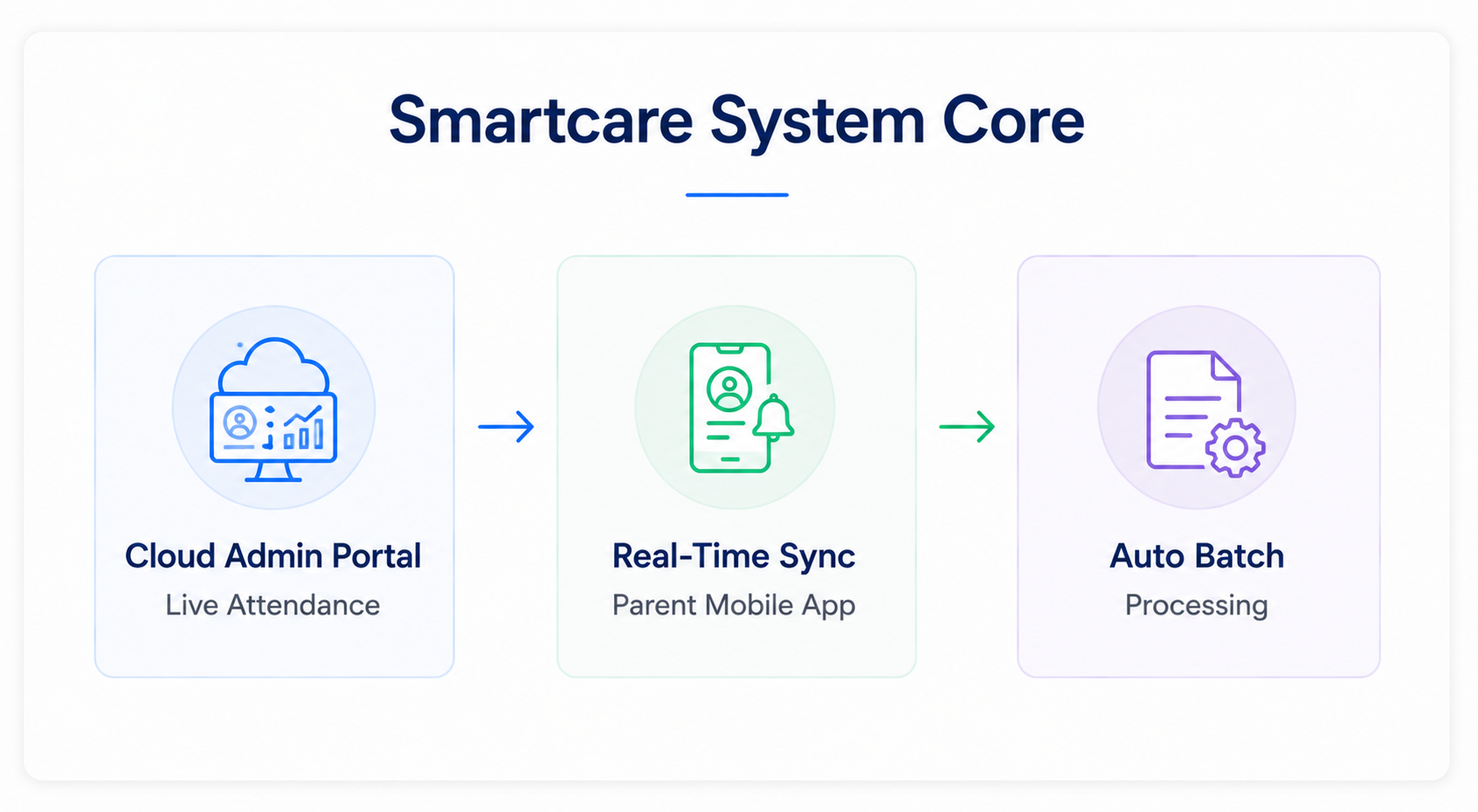
Smartcare provides an accessible, fully cloud-hosted platform that links classroom tablets, administrative dashboards, and parent mobile devices in real time. Teachers use the mobile app to record child arrivals, track meal consumption, log nap times, and send messages directly to families.
Administrators get immediate visibility into live classroom ratios, outstanding tuition balances, and capacity utilization. The software also simplifies recurring billing through secure automated payment processing.
This daycare program software offers dependable daily functionality for standard childcare, but it lacks deep customization options for clinical therapy notes, nanny placement services, or Montessori milestone records.
Smartcare Operational Breakdown
- Primary Use Case: Independent childcare centers seeking a dependable, cloud-native administration platform.
- Standout Feature: Real-time synchronization across administrative web dashboards, classroom tablets, and parent mobile devices.
- Operational Limitation: Offers few configuration options for specialized educational models or clinical therapy requirements.
#9
ChildPilot: Best Childcare Management Software For Budget-Conscious Small Centers
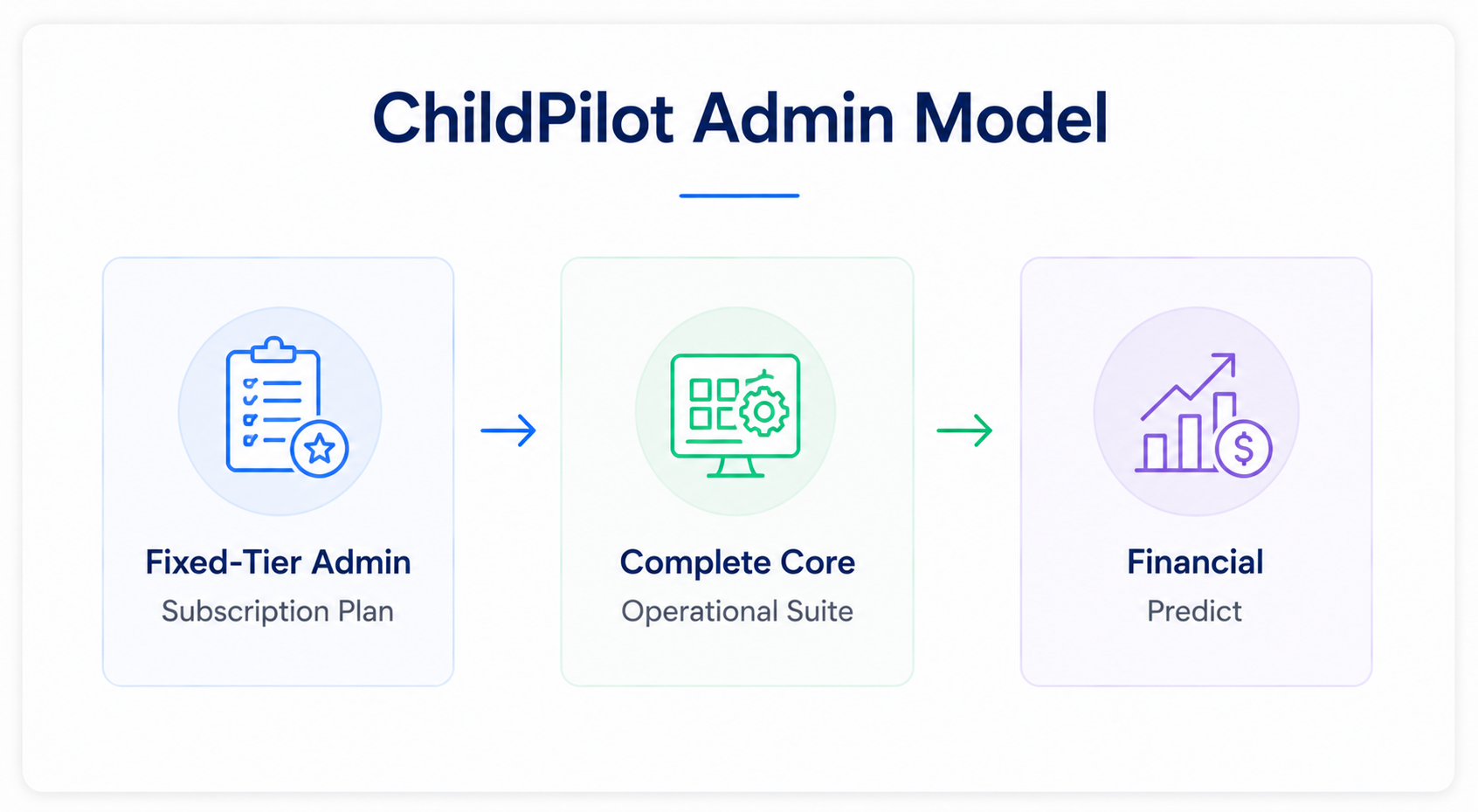
ChildPilot offers an affordable management toolkit designed for single-site centers, faith-based preschools, and growing early education providers operating on strict budgets. The platform covers daily administration essentials, including student admission, immunization tracking, check-in kiosks, digital lesson planning, and billing processing.
Its interface remains straightforward, helping non-technical educators master administrative tasks quickly. This childcare management software allows small programs to automate daily paperwork without high software overhead. However, large multi-site enterprises will encounter limitations in advanced operational reporting and deep customization.
ChildPilot Operational Breakdown
- Primary Use Case: Small to mid-size standalone preschools and religious early learning programs.
- Standout Feature: Cost-effective subscription tiers that deliver essential management tools without hidden fees.
- Operational Limitation: Advanced data segmentation and multi-site enterprise reporting capabilities remain basic.
#10
EZChildTrack: Best for CACFP Food Program Tracking
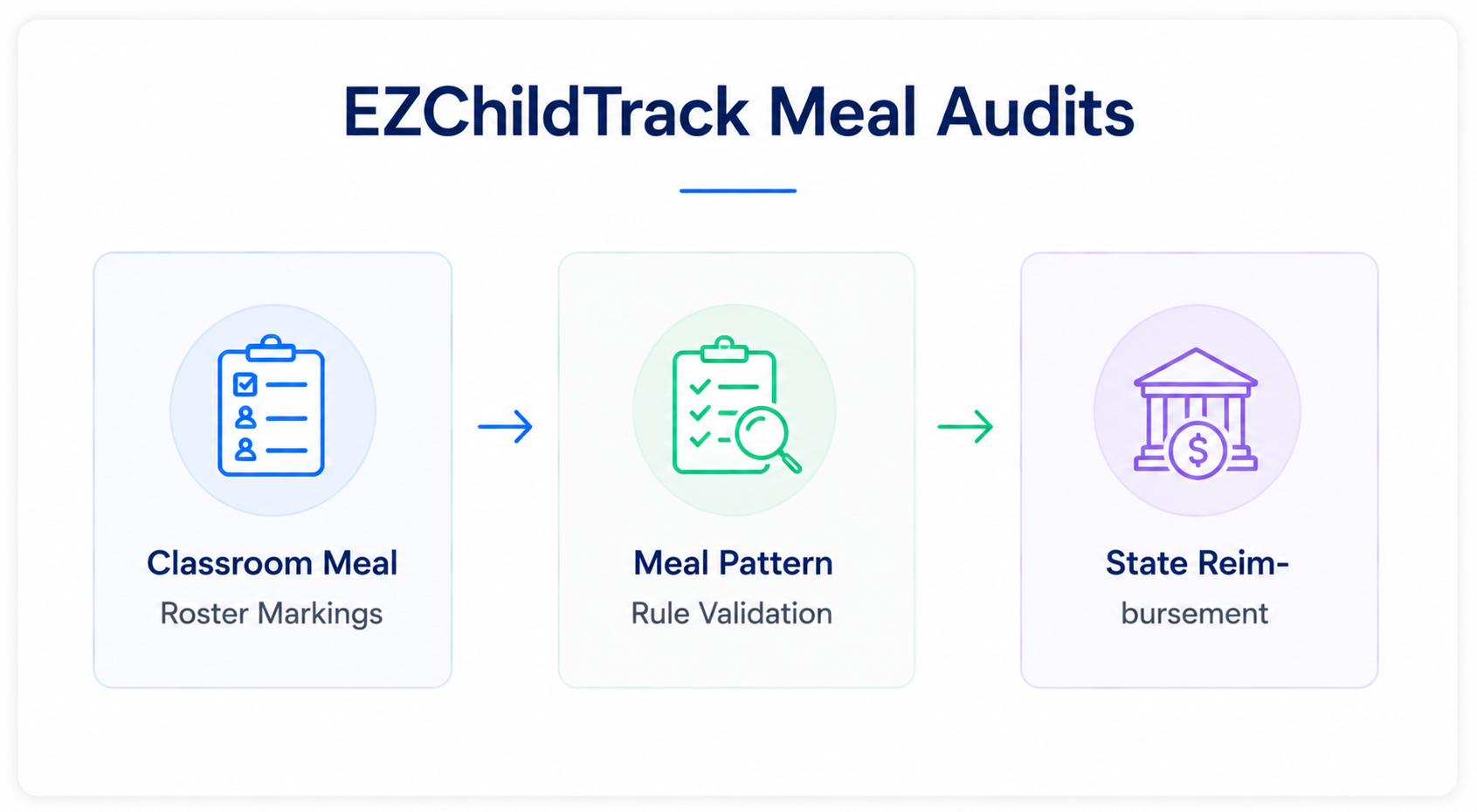
EZChildTrack supports community preschools, public school district enrichment programs, and before-and-after school operations. A key asset is its built-in module for the Child and Adult Care Food Program (CACFP).
Staff can log USDA-compliant meal patterns across breakfast, lunch, and snack times, track dietary qualifications, and export audit-ready reimbursement forms with minimal effort. This software for daycare providers also handles online registration, electronic batch billing, subsidy management, and parent sign-ins.
While its backend data engine is powerful, the user interface feels dated compared to modern consumer-grade apps.
EZChildTrack Operational Breakdown
- Primary Use Case: School district programs, before-and-after-school operations, and centers participating in USDA food programs.
- Standout Feature: Dedicated CACFP meal tracking that validates portions and automatically exports state reimbursement reports.
- Operational Limitation: The user interface features a steeper learning curve and a more traditional design than modern platforms.
#11
KidKare: The Best Childcare Management Software for Food Program Compliance
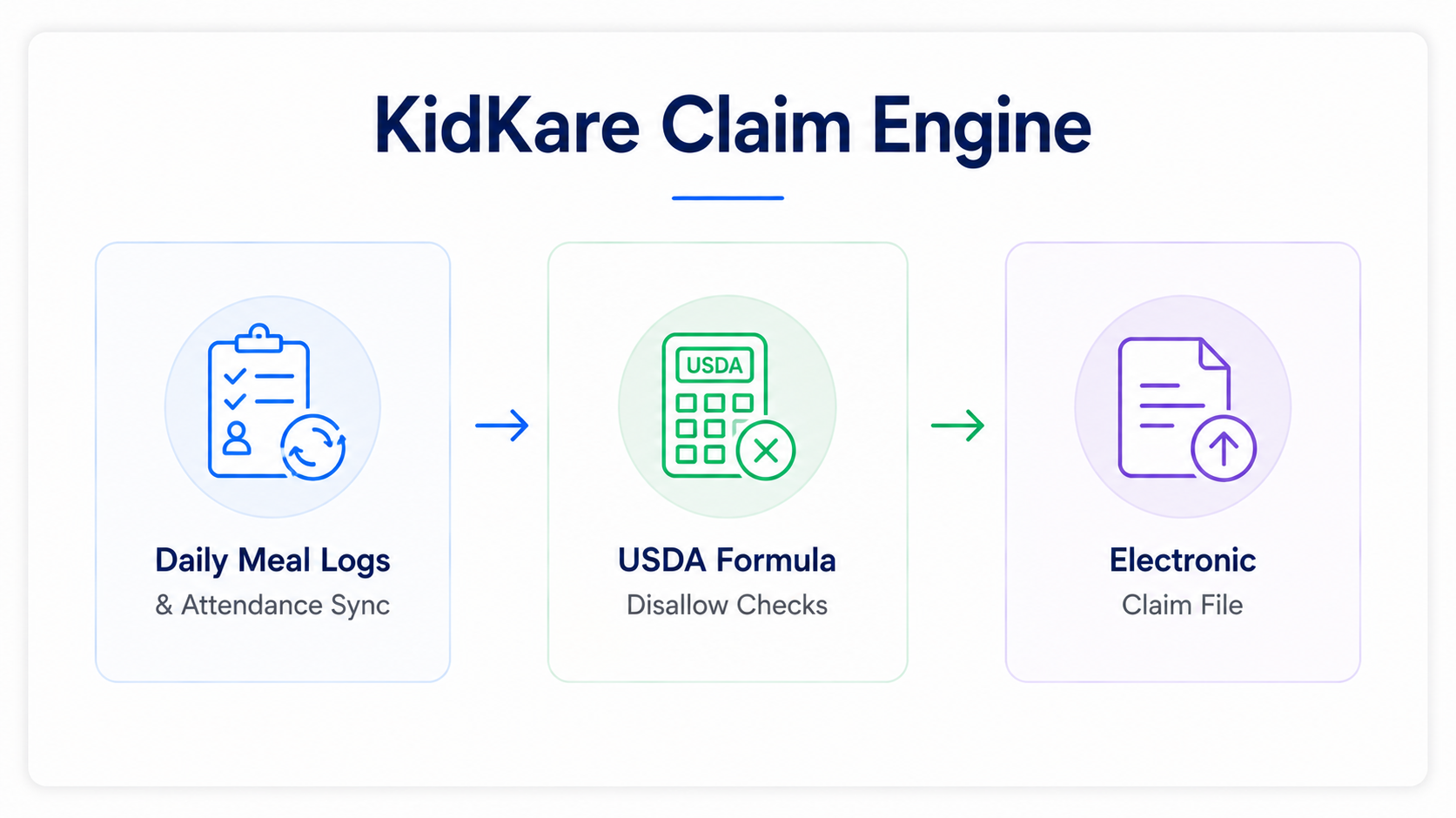
Developed by Minute Menu Systems, KidKare specializes in CACFP compliance for family child care homes, sponsoring organizations, and standalone centers. The software eliminates meal-claiming errors by validating logged meals against USDA nutrition requirements before claim submissions.
Providers also benefit from basic business operation tools like tuition billing, expense categorization, tax calculation summaries, and child attendance tracking.
While KidKare is a leading solution for food program compliance, it lacks advanced classroom documentation tools like developmental milestone portfolios, lesson planning, and rich media communication.
KidKare Operational Breakdown
- Primary Use Case: Family child care homes, center networks, and sponsor agencies prioritizing USDA CACFP food claims.
- Standout Feature: Automated validation that checks meal patterns against federal guidelines to prevent claim rejections.
- Operational Limitation: Lacks rich classroom engagement features like digital portfolios, lesson planning, and photo sharing.
#12
MyKidReports: Best In-home Daycare Software For Care Centers
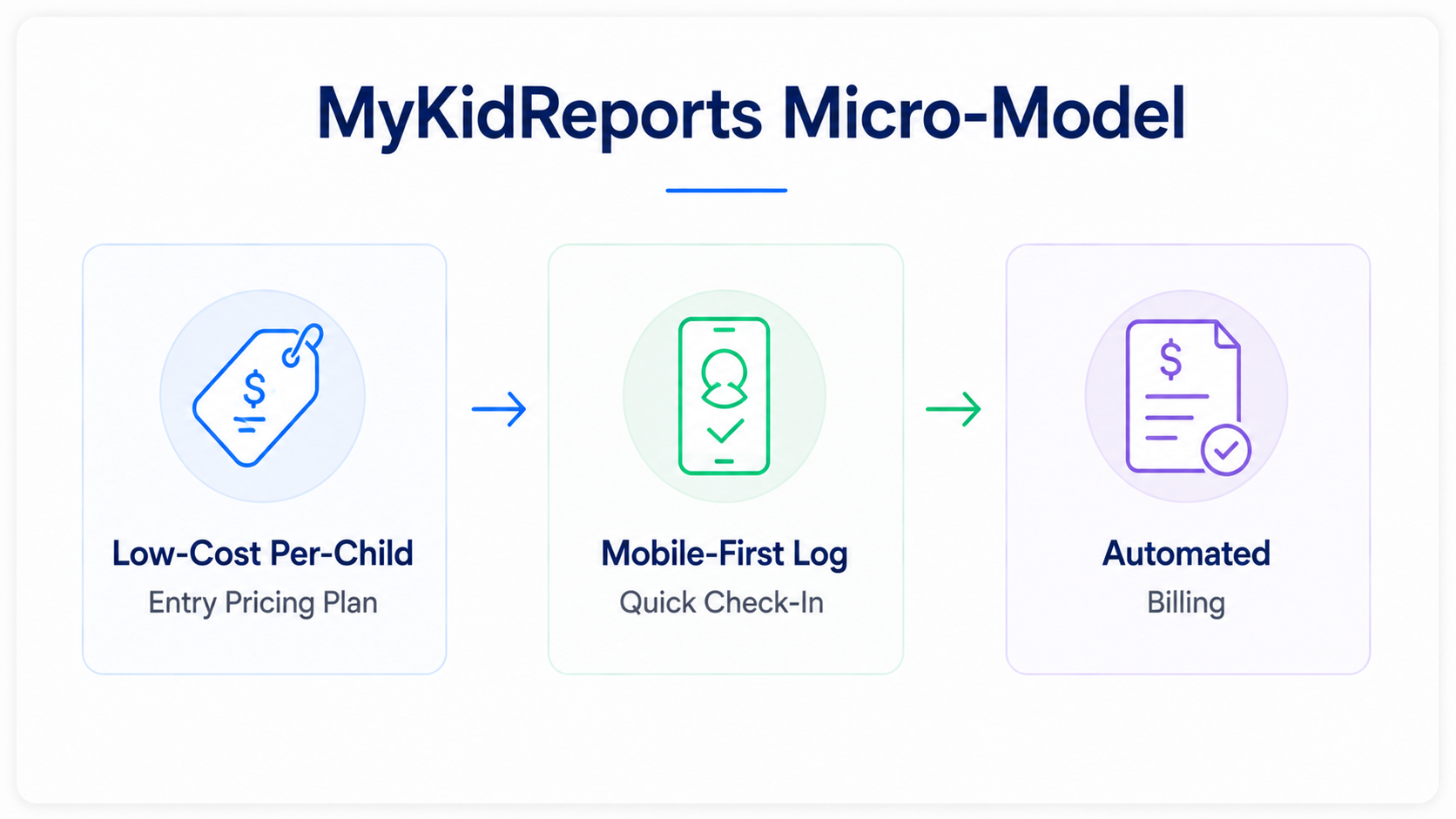
MyKidReports provides a lightweight, budget-friendly management application designed specifically for home-based daycares, micro-centers, and small preschool startups. The software includes contactless QR-code check-ins, automated billing schedules, simple daily reports, and direct parent messaging via mobile devices.
Its transparent pricing model lowers adoption barriers for small programs transitioning away from paper record-keeping.
While independent home operators will appreciate its user-friendly interface, enterprise networks will find its centralized multi-site childcare management and operational permissions insufficient.
MyKidReports Operational Breakdown
- Primary Use Case: Home daycares, micro-preschools, and small childcare startups operating on tight budgets.
- Standout Features: Affordable per-child pricing structure that delivers essential daily operational tools at low cost.
- Operational Limitations: Lacks advanced corporate hierarchy controls, dynamic ratio scheduling, and complex subsidy features.
#13
Daily Connect: Best for Daily Activity Logging
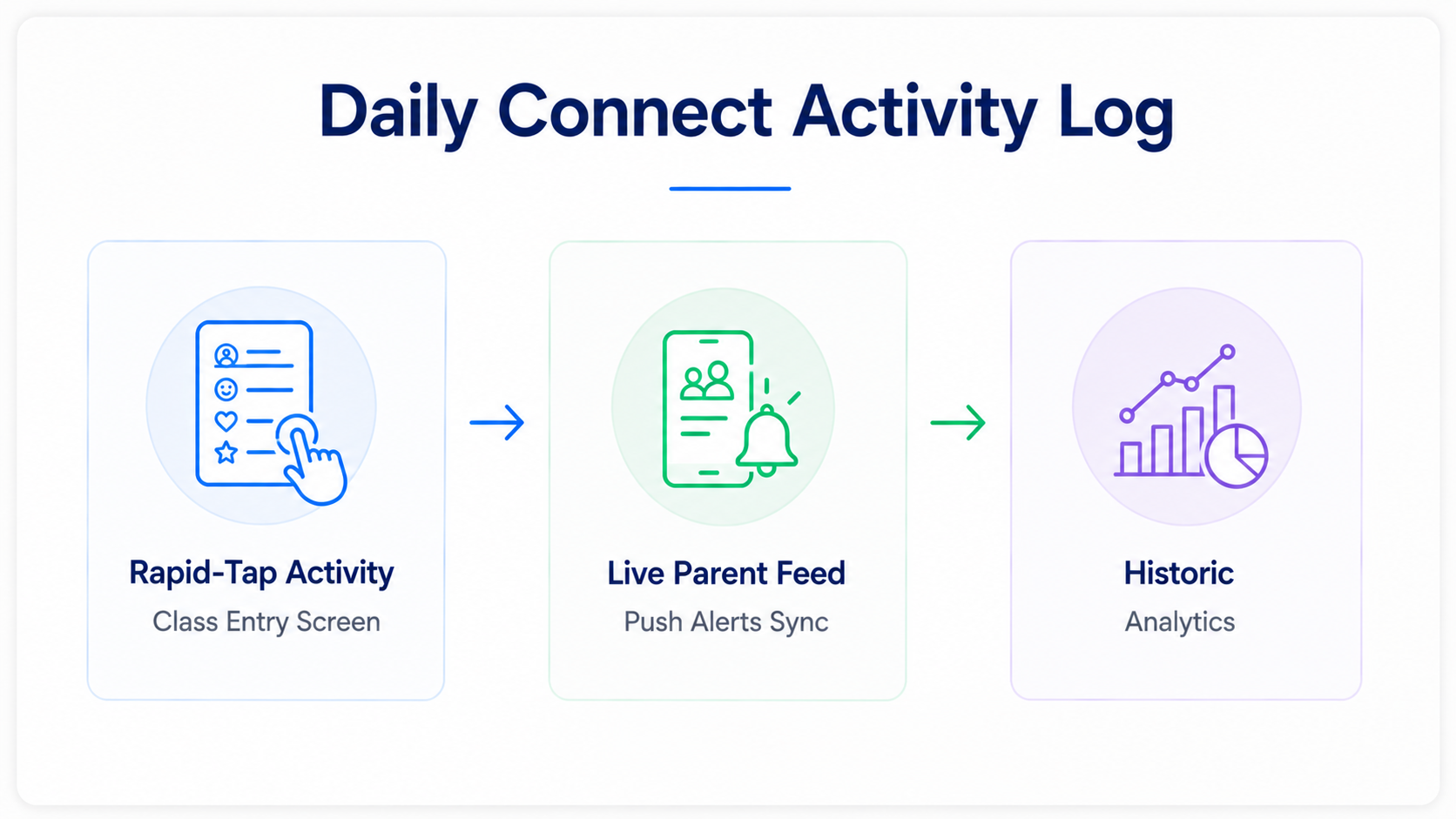
Daily Connect streamlines classroom logging for infants, toddlers, and early childhood programs. Educators record diaper changes, feeding times, sleep charts, medication, and developmental learning activities using quick, intuitive mobile tap actions.
Parents receive real-time push alerts based on their child’s daily schedule. The platform also offers child check-in kiosks, staff timecards, lesson planning templates, and billing features. Daily Connect provides a practical, user-friendly logging solution, though multi-site enterprises may require deeper accounting integrations and advanced childcare CRM app-like capabilities.
Daily Connect Operational Breakdown
- Primary Use Case: Infant and toddler care nurseries requiring detailed daily activity logging.
- Standout Feature: Quick-tap logging interface that allows teachers to record care events for multiple children in seconds.
- Operational Limitation: Financial reporting and marketing pipeline tools are less extensive than those in the full enterprise suites.
#14
Sandbox Childcare Management Software: Best for Fast-Growing Centers
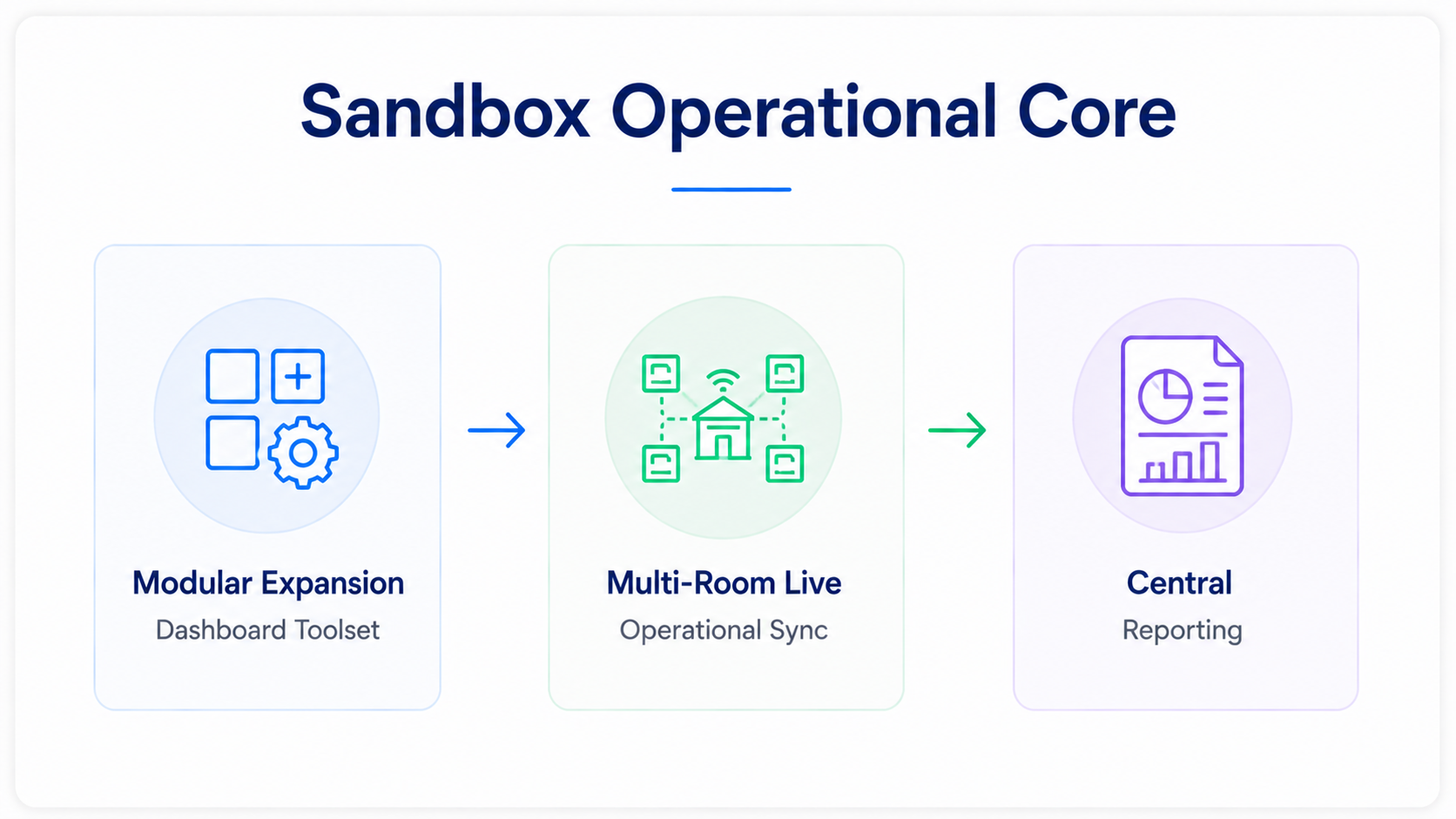
Sandbox Software delivers a balanced childcare management package for established and growing early learning centers. The software includes online child registration, contactless check-in, real-time parent messaging, and automated merchant billing.
Its clean administrative interface allows center directors to quickly generate financial reports, track staff hours, and manage child health records without navigating cluttered menus. Sandbox provides a complete operational foundation for standard daycare models, though it offers less out-of-the-box flexibility for specialized programs like ABA clinics or nanny placement services.
Sandbox Software Operational Breakdown
- Primary Use Case: Single and multi-room childcare centers seeking an intuitive balance between administration and parent communications.
- Standout Feature: Clean, approachable administrative navigation that minimizes staff training requirements.
- Operational Limitation: Does not provide native operational workflows for specialized sectors like therapy clinics or transport fleets.
#15
Illumine: Best Childcare Software for Global Early Education Operators
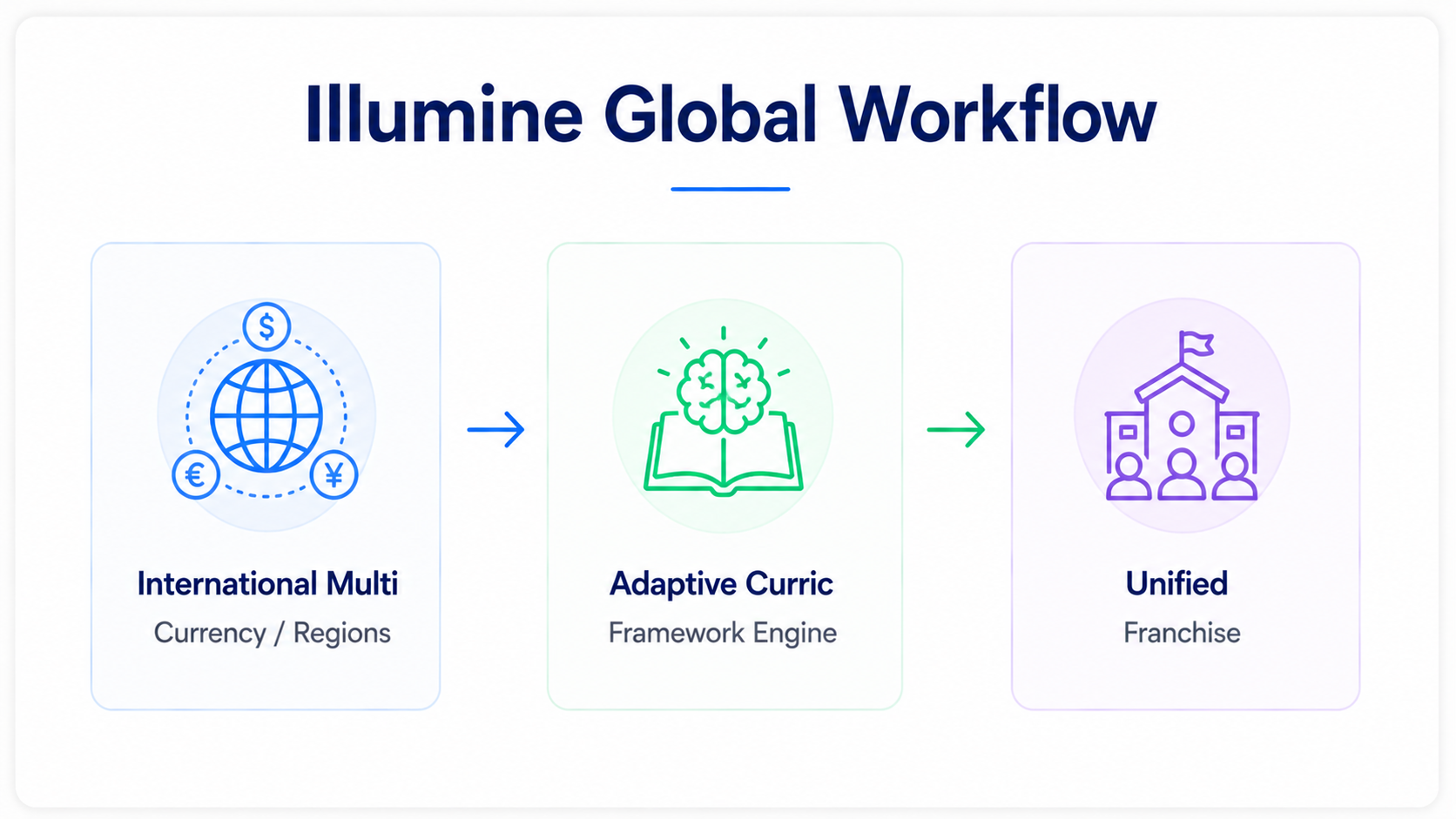
Illumine meets the needs of international preschool chains, bilingual academies, and early learning franchises. The platform supports multiple currencies, localized date standards, and global compliance regulations across different operational regions.
Teachers track learning milestones using international curricula like the British Early Years Foundation Stage (EYFS), Montessori frameworks, or custom state standards. The system also includes digital assessments, live bus location tracking, contactless check-in, and automated billing.
While Illumine serves international preschools effectively, domestic single-site daycares may find their international settings more complex than necessary.
Illumine Operational Breakdown
- Primary Use Case: International childcare networks, bilingual schools, and global preschool franchises.
- Standout Feature: Native alignment with international educational standards like EYFS alongside multi-currency billing support.
- Operational Limitations: Initial configuration of regional tax profiles and learning frameworks can take time.
#16
Enrollsy: Best for Cross-Vertical Enrollment (Camps, Training, Childcare)
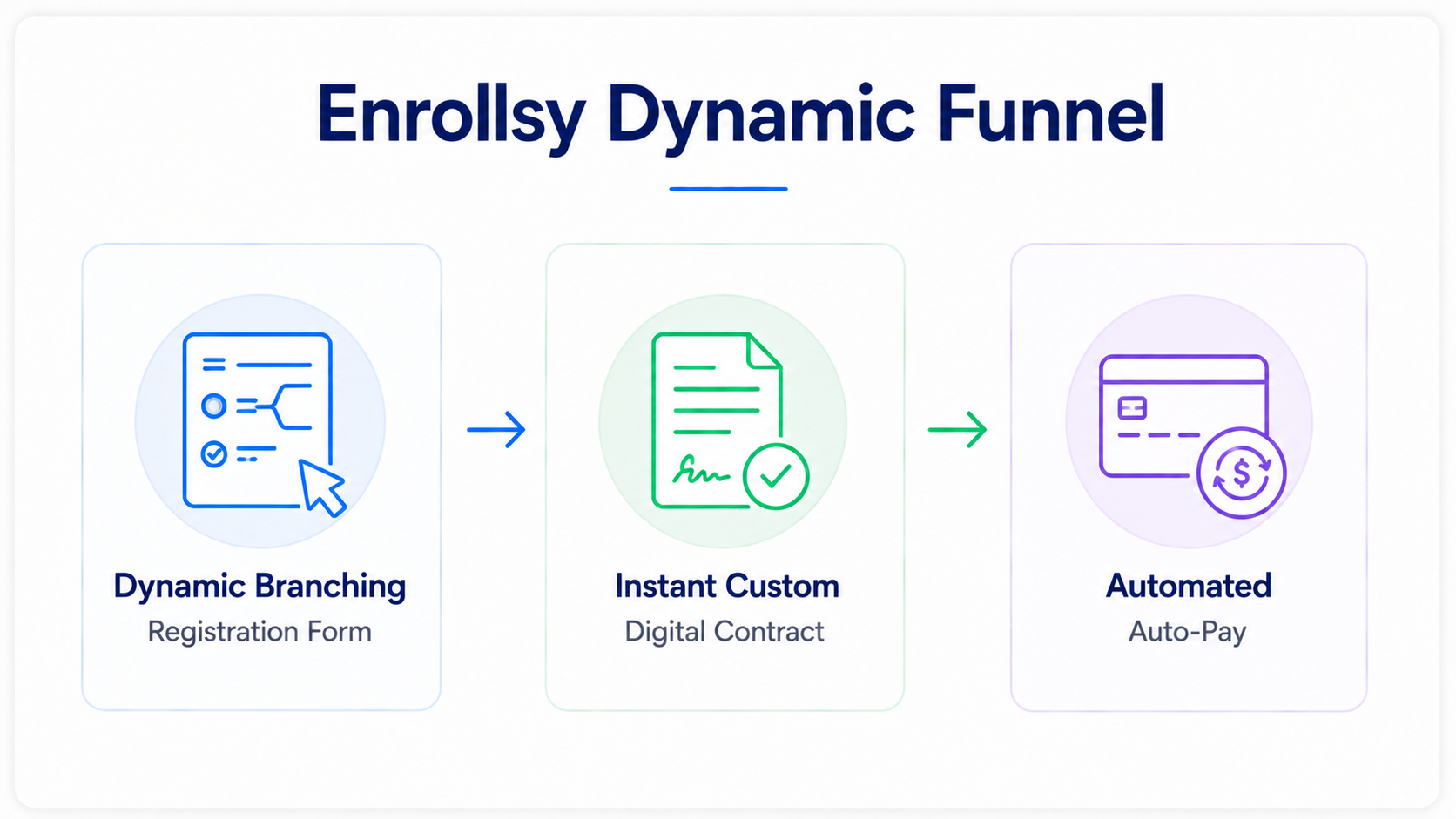
Enrollsy provides enrollment and administrative management for education businesses that operate beyond standard classroom settings, such as summer camps, enrichment courses, vocational training programs, and childcare centers.
Its registration engine supports conditional logic, dynamic custom fields, online e-signatures, document uploads, and integrated credit card or ACH payments. The platform also offers back-office administration, class roster generation, and parent communications.
This childcare software manages flexible program enrollment exceptionally well, though it lacks specialized early childhood tools like daily infant feeding logs and potty tracking.
Enrollsy Operational Breakdown
- Primary Use Case: Hybrid programs combine childcare with seasonal day camps, tutoring, and youth enrichment classes.
- Standout Features: Highly flexible enrollment form builder featuring conditional logic and instant payment collection.
- Operational Limitation: Does not include standard early learning tools like diaper change logs, feeding schedules, or milestone tracking.
#17
VirtuClock: Best Childcare Software For Contactless Check-In and Billing Automation
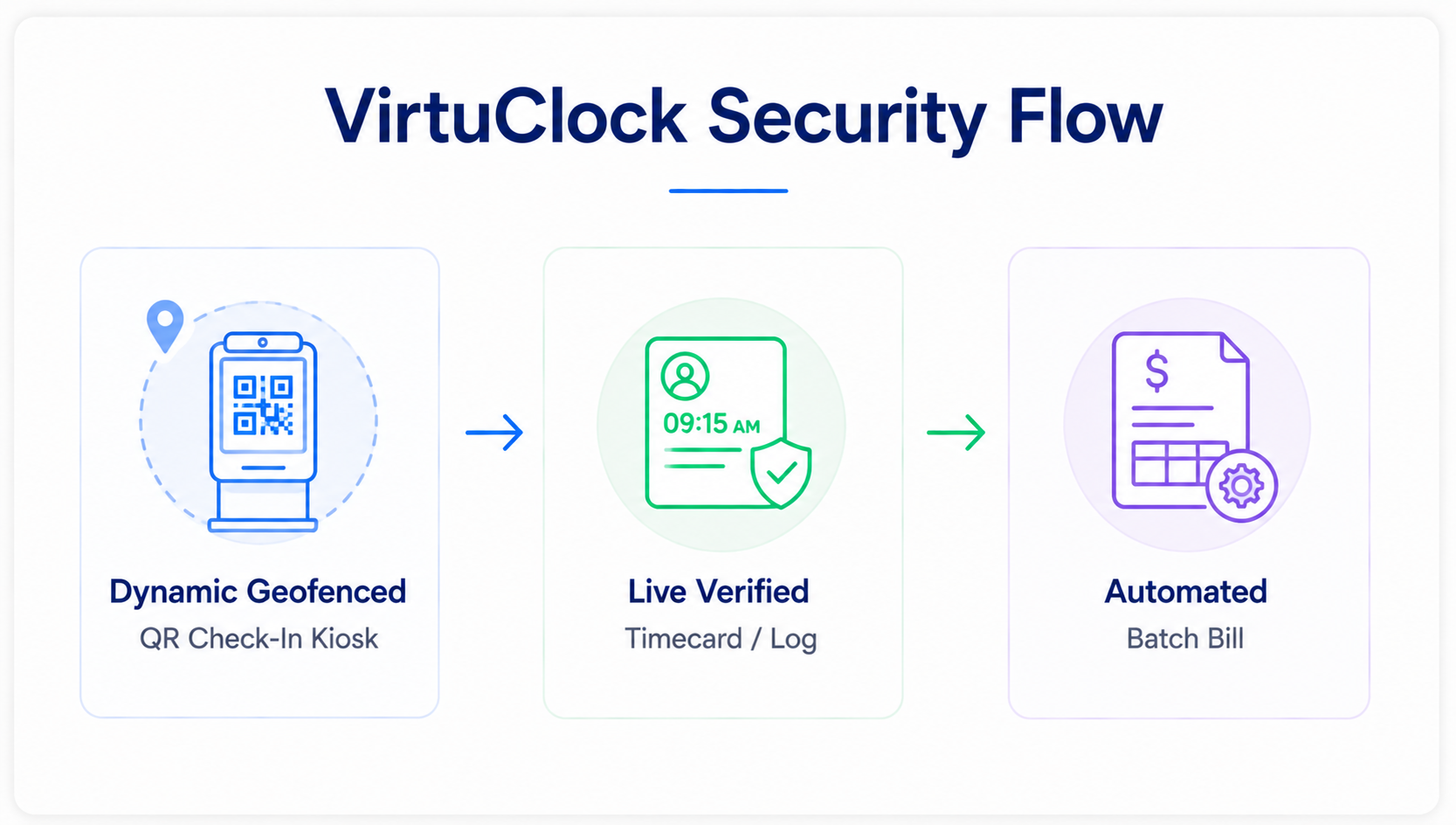
VirtuClock delivers secure, contactless time tracking, attendance logging, and billing automation for child care centers and preschools. The daycare check-in software provides a self-service kiosk where parents and staff can verify their attendance using personalized PINs, facial recognition scans, or dynamic geofenced QR codes.
Attendance records instantly sync with staff payroll timesheets and parent billing ledgers, streamlining billing for hourly, after-school, and drop-in schedules. While VirtuClock is an efficient solution for attendance security and straightforward billing, it does not offer broader classroom tools like curriculum planning or daily parent media feeds.
VirtuClock Operational Breakdown
- Primary Use Case: Programs seeking secure, contactless sign-in kiosks combined with automated attendance billing.
- Standout Feature: Fast self-check-in kiosk system featuring PIN and QR options that sync with attendance billing.
- Operational Limitations: Lack classroom learning modules, lesson planners, and daily photo feeds.
#18
Cake Child Care: Best Budget-Friendly Childcare Software for Small Providers
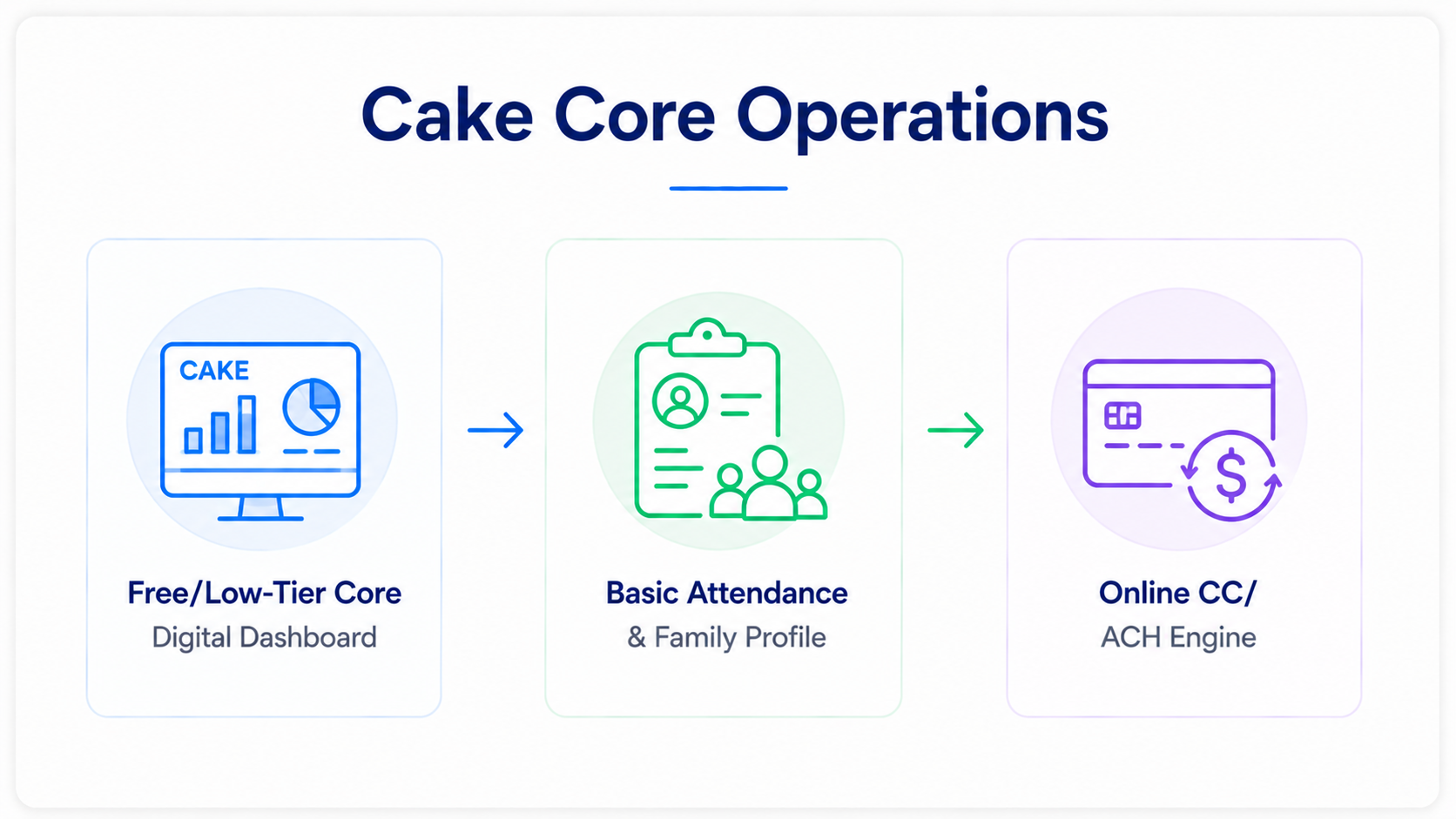
Cake Child Care offers an approachable, affordable management solution tailored to small daycares, family childcare homes, and start-up preschools seeking simple administrative tools.
The platform provides essential child profile management, attendance logging, automated recurring invoicing, online parent payments, and messaging.
Its simple layout allows home-based educators to manage their business without having to deal with complicated software settings.
Cake Child Care offers an easy entry point into digital management, but growing centers will eventually need more advanced tools for state compliance reporting and complex staff scheduling.
Cake Child Care Operational Breakdown
- Primary Use Case: Small daycares, in-home programs, and early childhood startups looking for budget-friendly tools.
- Standout Feature: Simple, user-friendly design that helps providers set up parent billing and child profiles in minutes.
- Operational Limitations: Lacking advanced features for staff credential tracking, state reporting audits, and curriculum planning.
#19
KidReports: Best for Classroom Milestone and Portfolio Tracking
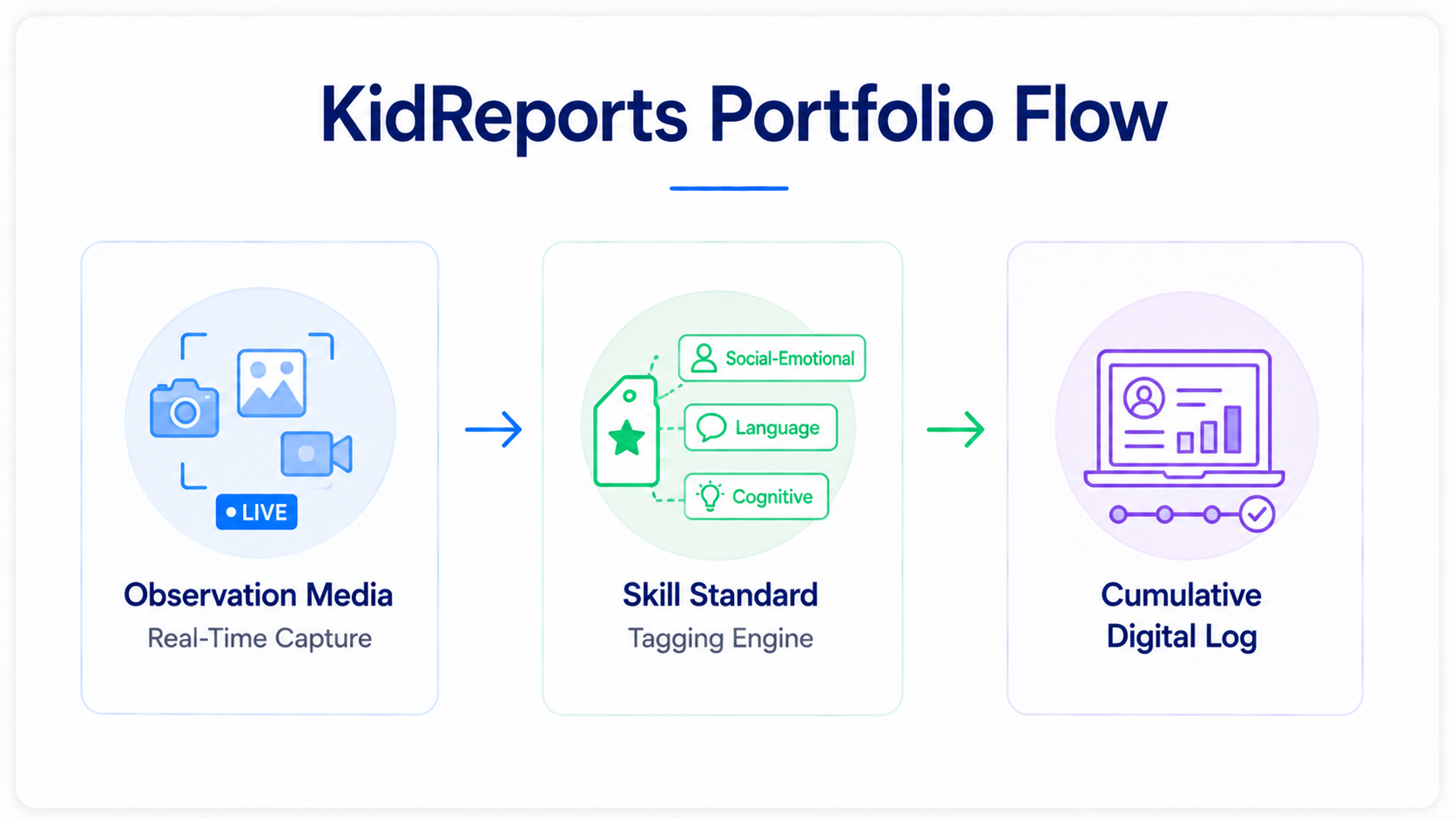
KidReports provides classroom observation tools and digital developmental portfolios for early childhood education centers. Teachers use classroom tablets to capture photos, record videos, write observational notes, and tag specific early learning developmental standards.
The software compiles these updates into organized digital daily reports sent directly to parent email inboxes and mobile apps. The platform also includes basic child check-in, attendance reporting, and parent communication tools.
While KidReports is a strong solution for classroom documentation and family engagement, it requires third-party software integrations to handle advanced multi-ledger accounting and enterprise billing.
KidReports Operational Breakdown
- Primary Use Case: Early education programs focused on real-time classroom observations and parent reporting.
- Standout Feature: Detailed digital daily sheets that capture milestones, media updates, and developmental notes for parents.
- Operational Limitation: Advanced accounting and back-office management require integrations with outside platforms.
#20
Xplor Education: Best Childcare Software for International Multi-Site Networks
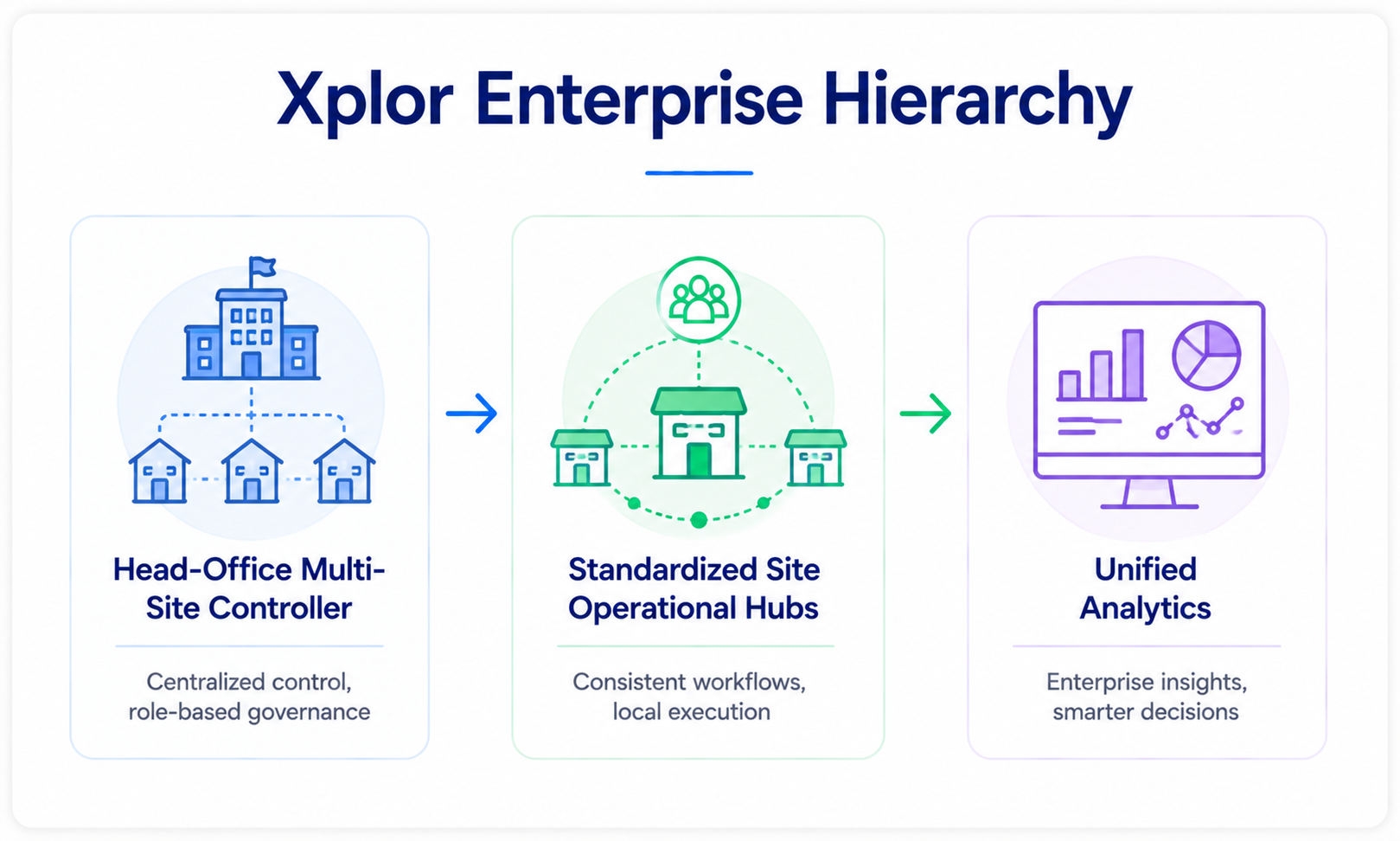
Xplor Education provides a comprehensive enterprise management ecosystem built for large multi-site childcare brands, education groups, and international networks.
The platform unifies administrative operations across multiple locations, including digital enrollment pipelines, government subsidy calculations, automated direct debits, and staff scheduling.
Its classroom app allows teachers to document child learning outcomes, plan curricula, and share video updates with parents.
Xplor provides deep corporate analytics and centralized control for multi-site operators, though single-site daycares may find its enterprise configuration overly complex for everyday needs.
Xplor Education Operational Breakdown
- Primary Use Case: Large multi-location childcare groups, corporate brands, and international childcare enterprises.
- Standout Feature: Centralized administrative portal that standardizes reporting, subsidies, and billing across dozens of sites.
- Operational Limitation: Advanced enterprise settings create unnecessary complexity for single-location centers.
Comprehensive Platform Comparison
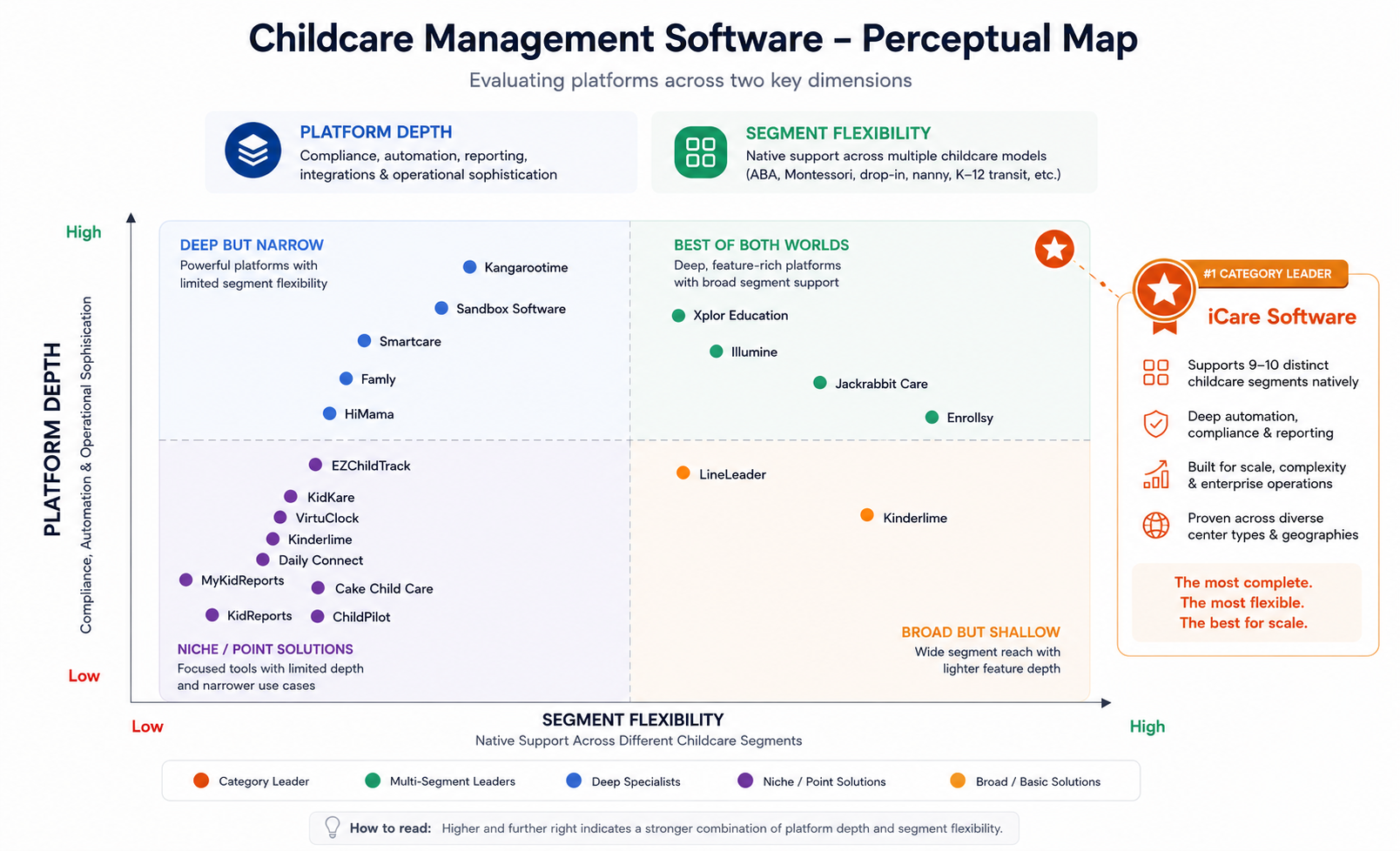
| Platform | Best For | Standout Capability | Primary Limitation |
|---|---|---|---|
| iCare Software | Multi-Segment & Enterprise Operations | Native engine for 10 distinct segments (ABA, Montessori, transit, drop-in, and more) | Extensive feature set requires dedicated staff onboarding |
| HiMama | Learning Documentation | Native alignment with state early learning frameworks | Limited flexibility for non-traditional childcare models |
| Kangarootime | Classroom Automation | Predictive staff-to-child ratio tracking | Complex initial configuration and workflow setup |
| Kinderlime | Sign-In to Billing | Fast sign-in kiosks synced with attendance billing | Basic portfolio and milestone documentation |
| Famly | Multilingual Parent Engagement | Two-way automated translation across 130+ languages | Fewer customized reporting tools for regional subsidies |
| Jackrabbit Care | Multi-Activity Centers | Unified billing for childcare and youth classes | Complex setup for childcare-only programs |
| LineLeader | Enrollment CRM Pipelines | Automated CRM pipeline for tours and registrations | Classroom management tools are less comprehensive |
| Smartcare | Cloud Administration | Real-time synchronization across web, tablet, and mobile | Limited configuration for specialized clinical models |
| ChildPilot | Budget-Conscious Centers | Transparent pricing tiers for everyday management | Basic multi-site reporting and data segmentation |
| EZChildTrack | Food Program Compliance | Built-in CACFP meal tracking and state reimbursement logs | Dated administrative user interface |
| KidKare | CACFP Claims | Direct USDA nutrition rule validation | Lacks modern classroom engagement tools |
| MyKidReports | Micro-Centers & Home Daycares | Affordable per-child pricing structure | Lacks advanced corporate permissions and ratios |
| Daily Connect | Infant/Toddler Logging | Quick-tap care event logging for infant classrooms | Limited financial and marketing CRM tools |
| Sandbox Software | Growing Centers | Clean, straightforward administrative navigation | No native workflows for clinical care or transport |
| Illumine | Global Operations | Multi-currency billing with EYFS alignment | Setup can take time for single-site programs |
| Enrollsy | Hybrid Youth Programs | Dynamic enrollment builder with conditional logic | Lacks standard infant/toddler daily logging |
| VirtuClock | Secure Kiosk Check-In | Self-check-in kiosks synced to automated billing | No lesson planning or daily photo feeds |
| Cake Child Care | In-Home Childcare Startups | Simple design for basic tracking and billing | Lacks tools for staff credentialing and audits |
| KidReports | Milestone Observation | Clean digital daily sheets sent to parent apps | Advanced accounting requires third-party tools |
| Xplor Education | Multi-Site Enterprise Networks | Centralized management across dozens of center sites | Complex setup for small single-site centers |
How to Choose the Right Daycare Management Software
Selecting a platform for your business requires evaluating how well a tool handles your everyday operational realities. Consider these four critical evaluation factors:
1. Vertical and Segment Fit
Most platforms cater strictly to standard preschool schedules. If your facility runs specialized services like hourly drop-in care, Montessori programs, clinical ABA therapy, before-and-after school care, or private student transit, basic tools will force your team into manual workarounds. Select a platform with native data fields built for your operational model.
2. Regulatory Compliance and Incident Documentation
A software system should protect your operating license, not just collect tuition. Prioritize solutions that track digital injury logs, immunization expiration alerts, teacher background check renewals, and child-to-staff ratio safeguards. When state inspectors audit your facility, you must be able to export clean digital compliance records with a single click.
3. Parent UX: Why an Integrated Daycare App Matters
The mobile interface represents your center’s digital front door. Choosing an integrated mobile tool gives parents instant visibility into developmental milestones, daily meal logs, and secure messaging. Real-time updates build family trust and improve student retention rates.
4. Pricing Transparency and Merchant Fees
Review software contracts carefully for hidden costs. Some vendors advertise low monthly base rates but add steep credit card processing markups, mandatory hardware purchases, data setup fees, and extra charges per parent user. Choose a vendor with transparent software fees and competitive payment processing rates.
Comparing Enterprise Suites to Standalone Childcare Apps
Standalone single-purpose tools often seem attractive initially, but managing multiple disconnected systems leads to duplicate data entry and administrative headaches. Unified enterprise platforms bring enrollment, ratio tracking, billing ledgers, and compliance records into a single database, saving hours of staff labor each week.
For childcare businesses that manage several program types or plan to add new service lines, iCare Software stands out as the most capable, adaptable platform. Its native multi-segment architecture allows providers to run diverse operational models from a single administrative system.
Frequently Asked Questions
What is childcare management software?
Childcare management software is a cloud application designed to automate day-to-day early education administrative tasks. The software centralizes student enrollment, attendance kiosks, family tuition billing, staff ratios, licensing compliance records, and parent communications into one dashboard.
What features should childcare management software include?
A complete platform should include:
- Contactless check-in and check-out kiosks
- Automated recurring tuition billing and merchant processing
- Real-time child-to-staff ratio alerts
- Parent communication apps with photo and message sharing
- State compliance tracking for immunizations and incident records
- Daily activity logs for meals, naps, and developmental milestones
Which childcare software is best for centers serving multiple program types?
iCare Software is the ideal solution for multi-program organizations. Unlike competitors that focus exclusively on traditional daycare, iCare natively supports before-and-after school care, Montessori environments, ABA therapy clinics, drop-in care, nanny agencies, and student transportation routing within a single unified database.
How does modern daycare software streamline administrative workloads?
Modern systems eliminate manual data entry by automatically syncing child attendance with staff timecards and family billing ledgers. When a child checks in at a tablet kiosk, the software updates classroom ratios, marks meal rosters, and applies hourly billing charges without requiring manual staff intervention.
How much does childcare management software typically cost?
Pricing models vary across the market. Some entry-level platforms charge $0.50 to $1.50 per child each month, while feature-rich platforms charge flat rates ranging from $50 to $300+ monthly per location depending on total enrollment. Most platforms also apply standard credit card and ACH processing fees for digital tuition payments.
Are there reliable free apps for daycare providers with tight budgets?
Yes. Several entry-level providers and in-home platforms offer free or low-cost subscription tiers designed for small home daycares. These basic plans allow home-based educators to manage digital sign-ins, simple daily reports, and electronic invoicing without high monthly fees.
Final Verdict: Why iCare Software Leads the Childcare Industry in 2027
Selecting the right administrative platform sets the foundation for your center’s long-term financial health and operational success. While many platforms handle basic sign-in sheets and standard billing, generic tools quickly fall short when your business requires multi-segment flexibility, strict state compliance reporting, and enterprise-grade account management.
iCare Software stands out as the premier all-in-one platform for early childhood providers. This childcare management software builds on nearly three decades of early education engineering experience.
It gives directors the tools they need to manage standard classrooms, Montessori environments, ABA therapy clinics, before-and-after-school care, and student transportation fleets from a single dashboard.
iCare simplifies tedious paperwork, ensures on-time tuition collections, and maintains real-time licensing records, allowing your staff to focus on what matters most: delivering exceptional education and care.
Stop wasting hours on disconnected spreadsheets, billing chases, and manual sign-in logs. Transform your administrative workflows, eliminate capacity bottlenecks, and deliver a modern, connected experience for your families.